
 API
API
Anchor link Requirements
Microservices in the DADI platform are built on Node.js, a JavaScript runtime built on Google Chrome's V8 JavaScript engine. Node.js uses an event-driven, non-blocking I/O model that makes it lightweight and efficient.
DADI follows the Node.js LTS (Long Term Support) release schedule, and as such the version of Node.js required to run DADI products is coupled to the version of Node.js currently in Active LTS. See the LTS schedule for further information.
Anchor link Creating an API
The easiest way to install API is using DADI CLI. CLI is a command line application that can be used to create and maintain installations of DADI products. Follow the simple instructions below, or see more detailed documentation for DADI CLI.
Anchor link Create new API installation
There are two ways to create a new API with the CLI: either manually create a new directory for API or let CLI handle that for you. DADI CLI accepts an argument for project-name which it uses to create a directory for the installation.
Manual directory creation
$ mkdir my-api
$ cd my-api
$ npx dadi-cli api new
Automatic directory creation
$ npx dadi-cli api new my-api
$ cd my-api
DADI CLI will install the latest version of API and copy a set of files to your chosen directory so you can launch API almost immediately.
Installing DADI API directly from NPM
All DADI platform microservices are also available from NPM. To add API to an existing project as a dependency:
$ cd my-existing-node-app
$ npm install --save @dadi/api
Anchor link Application anatomy
When CLI finishes creating your API, the application directory will contain the basic requirements for launching your API. The following directories and files have been created for you:
my-api/
  config/              # contains environment-specific configuration files
    config.development.json
  server.js            # the entry point for the application
  package.json
  workspace/
    collections/       # collection specification files
    endpoints/         # custom JavaScript endpoints
Anchor link Configuration
API reads a series of configuration parameters to define its behaviour and to adapt to each environment it runs on. These parameters are defined in JSON files placed inside the config/ directory, named as config.{ENVIRONMENT}.json, where {ENVIRONMENT} is the value of the NODE_ENV environment variable. In practice, this allows you to have different configuration parameters for when API is running in development, production and any staging, QA or anything in between, as per the requirements of your development workflow.
Some configuration parameters also have corresponding environment variables, which will override whatever value is set in the configuration file.
The following table shows a list of all the available configuration parameters.
| Path | Description | Environment variable | Default | Format |
|---|---|---|---|---|
app.name |
The applicaton name | N/A | DADI API Repo Default |
String |
publicUrl.host |
The host of the URL where the API instance can be publicly accessed at | URL_HOST |
|
* |
publicUrl.port |
The port of the URL where the API instance can be publicly accessed at | URL_PORT |
|
* |
publicUrl.protocol |
The protocol of the URL where the API instance can be publicly accessed at | URL_PROTOCOL |
http |
String |
server.host |
Accept connections on the specified address. If the host is omitted, the server will accept connections on any IPv6 address (::) when IPv6 is available, or any IPv4 address (0.0.0.0) otherwise. | HOST |
|
* |
server.port |
Accept connections on the specified port. A value of zero will assign a random port. | PORT |
8081 |
Number |
server.redirectPort |
Port to redirect http connections to https from | REDIRECT_PORT |
|
port |
server.protocol |
The protocol the web application will use | PROTOCOL |
http |
String |
server.sslPassphrase |
The passphrase of the SSL private key | SSL_PRIVATE_KEY_PASSPHRASE |
|
String |
server.sslPrivateKeyPath |
The filename of the SSL private key | SSL_PRIVATE_KEY_PATH |
|
String |
server.sslCertificatePath |
The filename of the SSL certificate | SSL_CERTIFICATE_PATH |
|
String |
server.sslIntermediateCertificatePath |
The filename of an SSL intermediate certificate, if any | SSL_INTERMEDIATE_CERTIFICATE_PATH |
|
String |
server.sslIntermediateCertificatePaths |
The filenames of SSL intermediate certificates, overrides sslIntermediateCertificate (singular) | SSL_INTERMEDIATE_CERTIFICATE_PATHS |
|
Array |
datastore |
The name of the NPM module to use as a data connector for collection data | N/A | @dadi/api-mongodb |
String |
auth.tokenUrl |
The endpoint for bearer token generation | N/A | /token |
String |
auth.tokenTtl |
Number of seconds that bearer tokens are valid for | N/A | 1800 |
Number |
auth.clientCollection |
Name of the collection where clientId/secret pairs are stored | N/A | clientStore |
String |
auth.tokenCollection |
Name of the collection where bearer tokens are stored | N/A | tokenStore |
String |
auth.datastore |
The name of the NPM module to use as a data connector for authentication data | N/A | @dadi/api-mongodb |
String |
auth.database |
The name of the database to use for authentication | DB_AUTH_NAME |
test |
String |
auth.cleanupInterval |
The interval (in seconds) at which the token store will delete expired tokens from the database | N/A | 3600 |
Number |
auth.saltRounds |
The difficulty factor used when hashing client secrets (lower values mean hashes are faster to generate but easier to crack) | N/A | 10 |
Number |
caching.ttl |
Number of seconds that cached items are valid for | N/A | 300 |
Number |
caching.directory.enabled |
If enabled, cache files will be saved to the filesystem | N/A | true |
Boolean |
caching.directory.path |
The relative path to the cache directory | N/A | ./cache/api |
String |
caching.directory.extension |
The extension to use for cache files | N/A | json |
String |
caching.directory.autoFlush |
If true, cached files that are older than the specified TTL setting will be automatically deleted | N/A | true |
Boolean |
caching.directory.autoFlushInterval |
Interval to run the automatic flush mechanism, if enabled in autoFlush |
N/A | 60 |
Number |
caching.redis.enabled |
If enabled, cache files will be saved to the specified Redis server | REDIS_ENABLED |
|
Boolean |
caching.redis.host |
The Redis server host | REDIS_HOST |
127.0.0.1 |
String |
caching.redis.port |
The port for the Redis server | REDIS_PORT |
6379 |
port |
caching.redis.password |
The password for the Redis server | REDIS_PASSWORD |
|
String |
logging.enabled |
If true, logging is enabled using the following settings. | N/A | true |
Boolean |
logging.level |
Sets the logging level. | N/A | info |
debug or info or warn or error or trace |
logging.path |
The absolute or relative path to the directory for log files. | N/A | ./log |
String |
logging.filename |
The name to use for the log file, without extension. | N/A | api |
String |
logging.extension |
The extension to use for the log file. | N/A | log |
String |
logging.accessLog.enabled |
If true, HTTP access logging is enabled. The log file name is similar to the setting used for normal logging, with the addition of \"access\". For example api.access.log. |
N/A | true |
Boolean |
logging.accessLog.kinesisStream |
An AWS Kinesis stream to write to log records to. | KINESIS_STREAM |
|
String |
paths.collections |
The relative or absolute path to collection specification files | N/A | workspace/collections |
String |
paths.endpoints |
The relative or absolute path to custom endpoint files | N/A | workspace/endpoints |
String |
paths.hooks |
The relative or absolute path to hook specification files | N/A | workspace/hooks |
String |
feedback |
If true, responses to DELETE requests will include a count of deleted and remaining documents, as opposed to an empty response body | N/A | |
Boolean |
status.enabled |
If true, status endpoint is enabled. | N/A | |
Boolean |
status.routes |
An array of routes to test. Each route object must contain properties route and expectedResponseTime. |
N/A | |
Array |
query.useVersionFilter |
If true, the API version parameter is extracted from the request URL and passed to the database query | N/A | |
Boolean |
media.defaultBucket |
The name of the default media bucket | N/A | mediaStore |
String |
media.buckets |
The names of media buckets to be used | N/A | |
Array |
media.tokenSecret |
The secret key used to sign and verify tokens when uploading media | N/A | catboat-beatific-drizzle |
String |
media.tokenExpiresIn |
The duration a signed token is valid for. Expressed in seconds or a string describing a time span (https://github.com/zeit/ms). Eg: 60, \"2 days\", \"10h\", \"7d\" | N/A | 1h |
* |
media.storage |
Determines the storage type for uploads | N/A | disk |
disk or s3 |
media.basePath |
Sets the root directory for uploads | N/A | workspace/media |
String |
media.pathFormat |
Determines the format for the generation of subdirectories to store uploads | N/A | date |
none or date or datetime or sha1/4 or sha1/5 or sha1/8 |
media.s3.accessKey |
The S3 access key used to connect to S3 | AWS_S3_ACCESS_KEY |
|
String |
media.s3.secretKey |
The S3 secret key used to connect to S3 | AWS_S3_SECRET_KEY |
|
String |
media.s3.bucketName |
The name of the AWS S3 or Digital Ocean Spaces bucket in which to store uploads | AWS_S3_BUCKET_NAME |
|
String |
media.s3.region |
The S3 region | AWS_S3_REGION |
|
String |
media.s3.endpoint |
The S3 endpoint, required for accessing a Digital Ocean Space | String | ||
env |
The applicaton environment. | NODE_ENV |
development |
String |
cluster |
If true, API runs in cluster mode, starting a worker for each CPU core | N/A | |
Boolean |
cors |
If true, responses will include headers for cross-domain resource sharing | N/A | |
Boolean |
internalFieldsPrefix |
The character to be used for prefixing internal fields | N/A | _ |
String |
databaseConnection.maxRetries |
The maximum number of times to reconnection attempts after a database fails | N/A | 10 |
Number |
i18n.defaultLanguage |
ISO-639-1 code of the default language | N/A | en |
String |
i18n.languages |
List of ISO-639-1 codes for the supported languages | N/A | [] |
Array |
i18n.fieldCharacter |
Special character to denote a translated field | N/A | : |
String |
search.enabled |
If true, API responds to collection /search endpoints and will index content | N/A | false |
Boolean |
search.minQueryLength |
Minimum search string length | N/A | 3 |
Number |
search.wordCollection |
The name of the datastore collection that will hold tokenized words | N/A | words |
String |
search.datastore |
The datastore module to use for storing and querying indexed documents | N/A | @dadi/api-mongodb |
String |
search.database |
The name of the database to use for storing and querying indexed documents | DB_SEARCH_NAME |
search |
String |
Anchor link Authentication
DADI API provides a full-featured authentication layer based on the Client Credentials flow of oAuth 2.0. Consumers must exchange a set of client credentials for a temporary access token, which must be appended to API requests.
A client is represented as a set of credentials (ID + secret) and an access type, which can be set to admin or user. If set to admin, the client can perform any operation in API without any restrictions. If not, they will be subject to the rules set in the access control list.
Anchor link Adding clients
If you've installed DADI CLI you can use that to create a new client in the database. See instructions for Adding clients with CLI.
Alternatively, use the built in NPM script to start the Client Record Generator which will present you with a series of questions about the new client and insert a record into the configured database.
$ npm explore @dadi/api -- npm run create-client
Creating the client in the correct database
To ensure the correct database is used for your environment, add an environment variable to the command:
$ NODE_ENV=production npm explore @dadi/api -- npm run create-client
Anchor link Obtaining an access token
Obtain an access token by sending a POST request to your API's token endpoint, passing your client credentials in the body of the request. The token endpoint is configurable using the property auth.tokenRoute, with a default value of /token.
POST /token HTTP/1.1
Content-Type: application/json
Host: api.somedomain.tech
Connection: close
Content-Length: 65
{
  "clientId": "my-client-key",
  "secret": "my-client-secret"
}
With a request like the above, you should expect a response containing an access token, as below:
HTTP/1.1 200 OK
Content-Type: application/json
Cache-Control: no-store
Content-Length: 95
{
  "accessToken": "4172bbf1-0890-41c7-b0db-477095a288b6",
  "tokenType": "Bearer",
  "expiresIn": 3600,
  "accessType": "admin"
}
Anchor link Using an access token
Once you have an access token, each request to the API should include an Authorization header containing the token:
GET /1.0/library/books HTTP/1.1
Content-Type: application/json
Authorization: Bearer 4172bbf1-0890-41c7-b0db-477095a288b6
Host: api.somedomain.tech
Connection: close
Anchor link Access token expiry
The response returned when requesting an access token contains a property expiresIn which is set to the number of seconds the access token is valid for. When this period has elapsed, API automatically invalidates the access token and a subsequent request to API using that access token will return an invalid token error.
The consumer application must request a new access token to continue communicating with the API.
Anchor link Internal collections
Internally, API uses three collections to store authentication data:
clientStore: stores API clientsroleStore: stores API rolesaccessStore: stores aggregate data computed from clients, roles and permissions
The names for these collections can be configured using the auth.clientCollection, auth.roleCollection and auth.accessCollection configuration properties, respectively. But unless they happen to clash with the name of one of your collections, you don't need to worry about setting them.
Anchor link Collection authentication
By default, collections require all requests to be authenticated and authorised. This behaviour can be changed on a per-collection basis by changing the authenticate property in the collection settings block, which can be set to:
| Value | Description | Example |
|---|---|---|
true (default) |
Authentication is required for all HTTP verbs | true |
false |
Authentication is not required for any HTTP verb, making the collection fully accessible to anyone | false |
| Array | Authentication is required only for some HTTP verbs, making the remaining verbs accessible to anyone | ["PUT", "DELETE"] |
The following configuration for a collection will allow all GET requests to proceed without authentication, while POST, PUT and DELETE requests will require authentication.
"settings": {
  "authenticate": ["POST", "PUT", "DELETE"]
}
See more information about collection specifications and their configuration.
Anchor link Authentication errors
API responds with HTTP 401 Unauthorized errors when either the supplied credentials are incorrect or an invalid token has been provided. The WWW-Authenticate header indicates the nature of the error. In the case of an expired access token, a new one should be requested.
Anchor link Invalid credentials
HTTP/1.1 401 Unauthorized
WWW-Authenticate: Bearer, error="invalid_credentials", error_description="Invalid credentials supplied"
Content-Type: application/json
content-length: 18
Date: Sun, 17 Sep 2017 17:44:48 GMT
Connection: close
Anchor link Invalid or expired token
HTTP/1.1 401 Unauthorized
WWW-Authenticate: Bearer, error="invalid_token", error_description="Invalid or expired access token"
Content-Type: application/json
content-length: 18
Date: Sun, 17 Sep 2017 17:46:28 GMT
Connection: close
Anchor link Access control
API includes a fully-fledged access control list (ACL) that makes it possible to specify in fine detail what each API client has permissions to do.
ACL terminology
The access control list specifies which clients can access the various resources of an API instance. Clients can have permissions assigned to them directly, or via roles, which can in their turn extend other roles.
Anchor link Resources
A resource is any entity in API that requires some level of authorisation to be accessed, like a collection or a custom endpoint. Resources are identified by a unique key with the following formats.
| Key format | Description | Example |
|---|---|---|
clients |
Access to API clients | clients |
collection:{DB}_{NAME} |
Access to the collection named NAME in the database DB |
collection:library_book |
endpoint:{VERSION}_{NAME} |
Access to the custom endpoint named NAME and version VERSION |
endpoint:v1_full-book |
media:{NAME} |
Access to the media bucket named NAME |
media:photos |
roles |
Access to API roles | roles |
To specify what permissions someone has over a resource, an access matrix is used. It consists of an object that maps each of the CRUD methods (create, read, update and delete) to a value that determines whether that operation is allowed or not.
For example, the following matrices specify that on the library/book collection, the given client can read any document and update their own documents, whereas in the library/author collection they can create, read and update any documents, being limited to deleting only the documents they have created.
{
  "resources": {
    "collection:library_book": {
      "create": false,
      "delete": false,
      "deleteOwn": false,
      "read": true,
      "readOwn": false,
      "update": false,
      "updateOwn": true
    },
    "collection:library_author": {
      "create": true,
      "delete": false,
      "deleteOwn": true,
      "read": true,
      "readOwn": false,
      "update": true,
      "updateOwn": false
    }
  }
}
The table below shows all the CRUD methods supported.
| Method | Description |
|---|---|
create |
Permission to create new instances of the resource |
delete |
Permission to delete instances of the resource |
deleteOwn |
Permission to delete instances of the resource that have been created by the requesting client |
read |
Permission to read instances of the resource |
readOwn |
Permission to read instances of the resource that have been created by the requesting client |
update |
Permission to update instances of the resource |
updateOwn |
Permission to update instances of the resource that have been created by the requesting client |
Anchor link Advanced permissions for collection resources
When setting up the access matrix for a collection resource, it's possible to define finer-grained permissions that limit access to a subset of the fields or to documents that match a certain query.
To do this, the Boolean value that determines whether access is granted (true) or denied (false) gives way to an object that can contain one or both of the following properties:
fields: Limits the fields that the client has access to. Uses the MongoDB projection format, meaning that fields can be included or excluded, but not both.Example:
{ "read": { "fields": { "title": 1, "author": 1 } } }filter: Limits access to documents that match a given query. Supports any filtering operator.Example:
  {
    "read": {
      "filter": {
        "category": {
          "$in": ["art", "architecture"]
        }
      }
    }
  }
The following table shows how each of these properties is interpreted by the various access types.
| Method | fields |
filter |
|---|---|---|
create |
N/A | N/A |
delete |
N/A | Controls which documents can be deleted |
deleteOwn |
N/A | Controls which documents can be deleted |
read |
Controls which fields will be displayed | Controls which documents can be read |
readOwn |
Controls which fields will be displayed | Controls which documents can be read |
update |
Controls which fields can be updated | Controls which documents can be updated |
updateOwn |
Controls which fields can be updated | Controls which documents can be updated |
Anchor link Resources API
The Resources API provides a read-only endpoint for listing all the registered resources.
GET
/api/resources
Find all resources
Returns a list of all the registered resources
Parameters
No parameters
Responses
| Code | Description |
|---|---|
| 200 | Successful operation
Example:
|
| 401 | Access token is missing or invalid |
| 403 | The client performing the operation doesn’t have appropriate permissions |
Anchor link Clients
Clients represent users or applications that wish to interact with API. When not given administrator privileges (i.e. {"accessType": "admin"} in the database record), clients are subject to permissions defined in the access control list.
Anchor link Creating a client
The Clients API makes it possible to create a client using a RESTful endpoint, as long as the requesting client has create access to the clients resource or has administrator access.
Creating admin clients
For security reasons, it's not possible to create clients with administrator access via the Clients API. If you need to create one, see the manual method of adding a client, using either the DADI CLI or the
create-clientscript.
Request
POST /api/clients HTTP/1.1
Content-Type: application/json
Authorization: Bearer c389340b-718f-4eed-8e8e-3400a1c6cd5a
{
  "clientId": "eduardo",
  "secret": "squirrel"
}
Response
HTTP/1.1 200 OK
Content-Type: application/json
{
  "results": [
    {
      "clientId": "eduardo",
      "accessType": "user",
      "resources": {},
      "roles": []
    }
  ]
}
The resources property in a client record shows the resources they have access to. By default, a client doesn't have access to anything until explicitly given the right permissions.
Let's see how we can give this client access to some resources.
Anchor link Assigning permissions
The Clients API includes a set of RESTful endpoints to manage the resources that a client has access to. The following request would give a client full permissions to access the library/book collection.
Request
POST /api/clients/eduardo/resources HTTP/1.1
Content-Type: application/json
Authorization: Bearer c389340b-718f-4eed-8e8e-3400a1c6cd5a
{
  "name": "collection:library_book",
  "access": {
    "create": true,
    "delete": true,
    "read": true,
    "update": true
  }
}
Response
HTTP/1.1 200 OK
Content-Type: application/json
{
  "results": [
    {
      "clientId": "eduardo",
      "accessType": "user",
      "resources": {
        "collection:library_book": {
          "create": true,
          "delete": true,
          "deleteOwn": false,
          "read": true,
          "readOwn": false,
          "update": true,
          "updateOwn": false
        }
      },
      "roles": []
    }
  ]
}
At this point, eduardo can request an access token and access the library/book collection.
Anchor link Adding data to client records
The Clients API allows developers to associate arbitrary data with client records. This can be used by consumer applications to store data like personal information, user preferences or any type of metadata.
This data is stored in an object called data within the client record, and it can be written to when a client is created (via a POST request) or at any point afterwards via an update (PUT request). See the Clients API specification for more details.
When updating a client, the data object in the request body is processed as a partial update, which means the following in relation to any existing data object associated with the record:
- New properties will be appended to the existing data object;
- Properties with the same name as those in existing data object will be replaced;
- Properties set to
nullwill be removed from the data object.
Example 1 (creating a client with data):
POST /api/clients HTTP/1.1
Content-Type: application/json
Authorization: Bearer c389340b-718f-4eed-8e8e-3400a1c6cd5a
{
  "clientId": "eduardo",
  "secret": "sssshhh!",
  "data": {
    "firstName": "Eduardo"
  }
}
Example 2 (adding data to an existing client):
PUT /api/clients/eduardo HTTP/1.1
Content-Type: application/json
Authorization: Bearer c389340b-718f-4eed-8e8e-3400a1c6cd5a
{
  "data": {
    "lastName": "Boucas"
  }
}
Example 3 (removing a data property from a client):
PUT /api/clients/eduardo HTTP/1.1
Content-Type: application/json
Authorization: Bearer c389340b-718f-4eed-8e8e-3400a1c6cd5a
{
  "data": {
    "firstName": null
  }
}
Data properties prefixed with an underscore (e.g.
_userId) can only be set and modified by admin clients, working as read-only properties for normal clients.
Anchor link Clients API
The Clients API provides a set of RESTful endpoints that allow the creation and management of clients, as well as granting and revoking access to resources and roles.
POST
/api/clients
Create a client
Creates a new client. The requesting client must have `create` access to the `clients` resource, or have an `accessType` of `admin`. Optionally, an arbitrary data object can be set using the `data` property.
Parameters
No parameters
Request body
-
Content type: application/json
Property Type clientId string secret string data object { "clientId": "eduardo", "secret": "squirrel", "data": { "firstName": "Eduardo" } }
Responses
| Code | Description |
|---|---|
| 201 | Client added successfully; the created client is returned with the secret omitted
Example:
|
| 401 | Access token is missing or invalid |
| 403 | The client performing the operation doesn’t have appropriate permissions |
| 409 | A client with the given ID already exists |
GET
/api/clients
Find all clients
Returns an array of client records, with `secret` omitted.
Parameters
No parameters
Responses
| Code | Description |
|---|---|
| 200 | Successful operation; the clients are returned with the secret omitted. Response includes the roles granted and resources they have access to.
Example:
|
| 401 | Access token is missing or invalid |
| 403 | The client performing the operation doesn’t have appropriate permissions |
GET
/api/clients/{clientId}
Find a client by ID
Returns a single client
Parameters
| Name | Type | Description | Required |
|---|---|---|---|
| clientId | string (path) | ID of client to return | Yes |
Responses
| Code | Description |
|---|---|
| 200 | Successful operation; the client is returned with the secret omitted. Response includes the roles granted and resources they have access to.
Example:
|
| 401 | Access token is missing or invalid |
| 403 | The client performing the operation doesn’t have appropriate permissions |
| 404 | No client found with the given ID |
PUT
/api/clients/{clientId}
Update an existing client
Updates a client. It is not possible to change a client ID, as it is immutable. It is also not possible to change any resources or roles using this endpoint – the resources and roles endpoints should be used for that effect. For a non-admin client to update their own secret, they must include the current secret in the request payload.
Parameters
| Name | Type | Description | Required |
|---|---|---|---|
| clientId | string (path) | ID of client to update | Yes |
Request body
-
Content type: application/json
Property Type data object currentSecret string secret string { "data": { "firstName": "Eduardo" }, "currentSecret": "current-secret", "secret": "new-secret" }
Responses
| Code | Description |
|---|---|
| 200 | Successful operation; the client is returned with the secret omitted. Response includes the roles granted and resources they have access to.
Example:
|
| 400 | To update the client secret, the current secret must be supplied via the `currentSecret` property / The supplied current secret is not valid |
| 401 | Access token is missing or invalid |
| 403 | The client performing the operation doesn’t have appropriate permissions |
| 404 | No client found with the given ID |
DELETE
/api/clients/{clientId}
Delete an existing client
Deletes a client.
Parameters
| Name | Type | Description | Required |
|---|---|---|---|
| clientId | string (path) | Yes |
Responses
| Code | Description |
|---|---|
| 204 | Successful operation |
| 401 | Access token is missing or invalid |
| 403 | The client performing the operation doesn’t have appropriate permissions |
| 404 | No client found with the given ID |
GET
/api/client
Find the current client
Returns the client associated with the bearer token present in the request
Parameters
No parameters
Responses
| Code | Description |
|---|---|
| 200 | Successful operation; the client is returned with the secret omitted. Response includes the roles granted and resources they have access to.
Example:
|
| 401 | Access token is missing or invalid |
| 403 | The client performing the operation doesn’t have appropriate permissions |
PUT
/api/client
Updates the current client
Updates the client associated with the bearer token present in the request. It is not possible to change a client ID, as it is immutable. It is also not possible to change any resources or roles using this endpoint – the resources and roles endpoints should be used for that effect. For a non-admin client to update their own secret, they must include the current secret in the request payload.
Parameters
No parameters
Request body
-
Content type: application/json
Property Type data object currentSecret string secret string { "data": { "firstName": "Eduardo" }, "currentSecret": "current-secret", "secret": "new-secret" }
Responses
| Code | Description |
|---|---|
| 200 | Successful operation; the client is returned with the secret omitted. Response includes the roles granted and resources they have access to.
Example:
|
| 400 | To update the client secret, the current secret must be supplied via the `currentSecret` property / The supplied current secret is not valid |
| 401 | Access token is missing or invalid |
| 403 | The client performing the operation doesn’t have appropriate permissions |
POST
/api/clients/{clientId}/roles
Assign roles to an existing client
The request body should contain an array of roles to assign to the specified client.
Parameters
| Name | Type | Description | Required |
|---|---|---|---|
| clientId | string (path) | The Client to assign Roles to | Yes |
Request body
-
Content type: application/json
Property Type N/A array [ "employee" ]
Responses
| Code | Description |
|---|---|
| 200 | Role added to Client successfully; the updated client is returned with the secret omitted
Example:
|
| 401 | Access token is missing or invalid |
| 403 | The client performing the operation doesn’t have appropriate permissions |
| 404 | No client found with the given ID |
DELETE
/api/clients/{clientId}/roles/{roleName}
Unassign role from an existing client
Parameters
| Name | Type | Description | Required |
|---|---|---|---|
| clientId | string (path) | The client that is being unassigned the specified Role | Yes |
| roleName | string (path) | The name of the role to unassign | Yes |
Responses
| Code | Description |
|---|---|
| 204 | Successful operation |
| 401 | Access token is missing or invalid |
| 403 | The client performing the operation doesn’t have appropriate permissions |
| 404 | Client not found or role not assigned to client |
POST
/api/clients/{clientId}/resources
Give an existing client permissions to access a resource
The request body should contain an object mapping access types to either a Boolean (granting or revoking that access type) or an object specifying field-level permissions and/or permission filters
Parameters
| Name | Type | Description | Required |
|---|---|---|---|
| clientId | string (path) | Yes |
Request body
-
Content type: application/json
Property Type name string access object { "name": "collection:library_book", "access": { "create": true, "delete": false, "deleteOwn": true, "read": true, "readOwn": false, "update": false, "updateOwn": true } }
Responses
| Code | Description |
|---|---|
| 200 | Resource added to Client successfully; the updated client is returned with the secret omitted
Example:
|
| 401 | Access token is missing or invalid |
| 403 | The client performing the operation doesn’t have appropriate permissions |
| 404 | No client found with the given ID |
DELETE
/api/clients/{clientId}/resources/{resourceId}
Revoke an existing client's permission for the specified resource
Parameters
| Name | Type | Description | Required |
|---|---|---|---|
| clientId | string (path) | Yes | |
| resourceId | string (path) | Yes |
Responses
| Code | Description |
|---|---|
| 204 | Access revoked successfully; the updated client is returned with the secret omitted |
| 401 | Access token is missing or invalid |
| 403 | The client performing the operation doesn’t have appropriate permissions |
| 404 | Client not found or resource not assigned to client |
PUT
/api/clients/{clientId}/resources/{resourceId}
Update an existing clients' resource permissions
The request body should contain an object mapping access types to either a Boolean (granting or revoking that access type) or an object specifying field-level permissions and/or permission filters
Parameters
| Name | Type | Description | Required |
|---|---|---|---|
| clientId | string (path) | Yes | |
| resourceId | string (path) | Yes |
Request body
-
Content type: application/json
Property Type create boolean | object delete boolean | object deleteOwn boolean | object read boolean | object readOwn boolean | object update boolean | object updateOwn boolean | object { "create": true, "delete": false, "deleteOwn": true, "read": true, "readOwn": false, "update": false, "updateOwn": true }
Responses
| Code | Description |
|---|---|
| 200 | Resource updated successfully; the updated client is returned with the secret omitted
Example:
|
| 401 | Access token is missing or invalid |
| 403 | The client performing the operation doesn’t have appropriate permissions |
| 404 | Client not found or resource not assigned to client |
Anchor link Roles
A role is a group of users that share a set of permissions to access a list of resources. In practice, it's an alternative way of giving permissions to clients.
For example, imagine that you wanted to give clients C1 and C2 a set of permissions to access resource R. You could either grant permissions to that resource individually to each client record, or you could grant the permissions to a role and assign it to both clients.
Anchor link Reconciling client and role permissions
A client may have their own resource permissions as well as permissions given by roles. Whenever a clash occurs, i.e. permissions for the same resource given directly and from a role, the access matrices are merged so that the broadest set of permissions is obtained.
For example, imagine that a client has the following access matrices for a given resource, one assigned directly and the other resulting from a role.
Matrix 1
{
  "create": false,
  "delete": true,
  "deleteOwn": false,
  "read": {
    "filter": {
      "fieldOne": "valueOne"
    }
  },
  "readOwn": false,
  "update": {
    "fields": {
      "fieldOne": 1
    }
  },
  "updateOwn": false
}
Matrix 2
{
  "create": true,
  "delete": false,
  "deleteOwn": true,
  "read": true,
  "readOwn": false,
  "update": {
    "fields": {
      "fieldTwo": 1,
      "fieldThree": 1
    }
  },
  "updateOwn": false
}
Resulting matrix
{
  "create": true,
  "delete": true,
  "deleteOwn": true,
  "read": true,
  "readOwn": false,
  "update": {
    "fields": {
      "fieldOne": 1,
      "fieldTwo": 1,
      "fieldThree": 1
    }
  },
  "updateOwn": false
}
Anchor link Extending roles
Roles can extend (or inherit from) other roles. If role R1 extends role R2, then clients with R1 will get the permissions granted by that role plus any permissions granted by R2. The inheritance chain can go on indefinitely.
Role inheritance is a good way to represent hierarchy typically present in organisations. For example, you could create a manager role that extends an employee role, since managers can usually do all the operations available to employees plus some of their own.
Anchor link Roles API
The Roles API provides a set of RESTful endpoints that allow the creation and management of roles, including granting and revoking access to resources.
POST
/api/roles
Create a new role
The body must contain a `name` property with the name of the role to create. Optionally, it may also contain an `extends` property that specifies the name of a role to be extended
Parameters
No parameters
Request body
-
Content type: application/json
Property Type name string extends string { "name": "manager", "extends": "employee" }
Responses
| Code | Description |
|---|---|
| 201 | Successful operation
Example:
|
| 401 | Access token is missing or invalid |
| 403 | The client performing the operation doesn’t have appropriate permissions |
| 409 | Role already exists |
GET
/api/roles/{roleName}
Find a role by name
Returns a single role
Parameters
| Name | Type | Description | Required |
|---|---|---|---|
| roleName | string (path) | The name of the Role to return | Yes |
Responses
| Code | Description |
|---|---|
| 200 | Successful operation
Example:
|
| 401 | Access token is missing or invalid |
| 403 | The client performing the operation doesn’t have appropriate permissions |
| 404 | No role found with the given name |
PUT
/api/roles/{roleName}
Update an existing role
The request body may contain an optional object that specifies a role to be extended via the `extends` property; if that property is set to `null`, the inheritance relationship will be removed
Parameters
| Name | Type | Description | Required |
|---|---|---|---|
| roleName | string (path) | The name of the Role to update | Yes |
Request body
-
Content type: application/json
Property Type extends string { "extends": "employee" }
Responses
| Code | Description |
|---|---|
| 200 | Successful operation
Example:
|
| 400 | The role being extended does not exist |
| 401 | Access token is missing or invalid |
| 403 | The client performing the operation doesn’t have appropriate permissions |
| 404 | No role found with the given name |
DELETE
/api/roles/{roleName}
Delete an existing Role
Parameters
| Name | Type | Description | Required |
|---|---|---|---|
| roleName | string (path) | The name of the Role to delete | Yes |
Responses
| Code | Description |
|---|---|
| 204 | Successful operation |
| 401 | Access token is missing or invalid |
| 403 | The client performing the operation doesn’t have appropriate permissions |
| 404 | No role found with the given name |
POST
/api/roles/{roleName}/resources
Give an existing role permissions to access a resource
The request body should contain an object mapping access types to either a Boolean (granting or revoking that access type) or an object specifying field-level permissions and/or permission filters
Parameters
| Name | Type | Description | Required |
|---|---|---|---|
| roleName | string (path) | Yes |
Request body
-
Content type: application/json
Property Type name string access object { "name": "collection:library_book", "access": { "create": true, "delete": false, "deleteOwn": true, "read": true, "readOwn": false, "update": false, "updateOwn": true } }
Responses
| Code | Description |
|---|---|
| 200 | Resource added to role successfully; the updated role is returned
Example:
|
| 401 | Access token is missing or invalid |
| 403 | The client performing the operation doesn’t have appropriate permissions |
| 404 | No role found with the given name |
DELETE
/api/roles/{roleName}/resources/{resourceId}
Revoke an existing role's permission for the specified resource
Parameters
| Name | Type | Description | Required |
|---|---|---|---|
| roleName | string (path) | Yes | |
| resourceId | string (path) | Yes |
Responses
| Code | Description |
|---|---|
| 204 | Access revoked successfully; the updated role is returned |
| 401 | Access token is missing or invalid |
| 403 | The client performing the operation doesn’t have appropriate permissions |
| 404 | Role not found or resource not assigned to role |
PUT
/api/roles/{roleName}/resources/{resourceId}
Update an existing role's resource permissions
The request body should contain an object mapping access types to either a Boolean (granting or revoking that access type) or an object specifying field-level permissions and/or permission filters
Parameters
| Name | Type | Description | Required |
|---|---|---|---|
| roleName | string (path) | Yes | |
| resourceId | string (path) | Yes |
Request body
-
Content type: application/json
Property Type create boolean | object delete boolean | object deleteOwn boolean | object read boolean | object readOwn boolean | object update boolean | object updateOwn boolean | object { "create": true, "delete": false, "deleteOwn": true, "read": true, "readOwn": false, "update": false, "updateOwn": true }
Responses
| Code | Description |
|---|---|
| 200 | Resource updated successfully; the updated role is returned
Example:
|
| 401 | Access token is missing or invalid |
| 403 | The client performing the operation doesn’t have appropriate permissions |
| 404 | Role not found or resource not assigned to role |
Anchor link Using models directly
It's possible to tap into the access control list programmatically, which is useful when creating custom JavaScript endpoints or collection hooks. The ACL models allow you to create and modify clients and roles, as well as compute the permissions associated with a client and determine whether they can access a given resource.
The @dadi/api NPM module exports an ACL object with a series of public methods:
- access.get()
- client.create()
- client.delete()
- client.get()
- client.resourceAdd()
- client.resourceRemove()
- client.resourceUpdate()
- client.roleAdd()
- client.roleRemove()
- client.update()
- role.create()
- role.delete()
- role.get()
- role.resourceAdd()
- role.resourceRemove()
- role.resourceUpdate()
- role.update()
Anchor link access.get
Returns the access matrix representing the permissions of a given client to access a resource.
It expects the ID of the client as well as their access type, which means you may need to obtain this information with a separate query first. The reason for this is that the client ID + access type pair are encoded in the bearer token's JWT and are easily available via the req.dadiApiClient property.
Receives:
client.clientId(type:String): ID of the clientclient.accessType(type:String): Access type of the clientresource(type:String): ID of the resourceresolveOwnTypes(type:Boolean, default:true): Whether to translate*Owntypes (e.g.readOwn) into areadproperty with a filter
Returns:
Promise<Object>: an object representing an access matrix.
Example:
const ACL = require('@dadi/api').ACL
ACL.access.get({
  clientId: 'restfulJohn',
  accessType: 'user'
}, 'collection:v1_foobar').then(access => {
  if (!access.read) {
    console.log('Client does not have `read` access!')
  }
})
Anchor link client.create
Creates a new client.
Note that all clients created using the ACL model have an access type of user. To create a client with an access type of admin, you must do so manually.
Receives (named parameters):
clientId(type:String): ID of the client to createsecret(type:String): The client secret
Returns:
Promise<Object>: an object representing the newly-created client.
Example:
const ACL = require('@dadi/api').ACL
ACL.client.create({
  clientId: 'restfulJohn',
  secret: 'superSecret!'
})
Anchor link client.delete
Deletes a client.
Receives:
clientId(type:String): ID of the client to delete
Returns:
Promise with:
{deletedCount, totalCount}(Object): Object indicating the number of clients that were deleted and the number of clients remaining after the operation
Example:
const ACL = require('@dadi/api').ACL
ACL.client.delete('restfulJohn')
Anchor link client.get
Returns a client by ID.
If secret is passed as a second argument, only a client that matches both the ID and the secret supplied will be retrieved.
Receives:
clientId(type:String): ID of the clientsecret(type:String, optional): The client secret
Returns:
Promise<Object>: an object with a results property containing an array of matching clients.
Example:
const ACL = require('@dadi/api').ACL
ACL.client.get({
  clientId: 'restfulJohn',
  secret: 'superSecret!'
}).then(({results}) => {
  if (results.length === 0) {
    return console.log('Wrong credentials!')
  }
  console.log(results[0])
})
Anchor link client.resourceAdd
Gives a client permission to access a given resource.
Receives:
clientId(type:String): ID of the clientresource(type:String): ID of the resourceaccess(type:Object): Access matrix
Returns:
Promise<Object>: the updated client.
Example:
const ACL = require('@dadi/api').ACL
ACL.client.resourceAdd(
  'restfulJohn',
  'collection:v1_things',
  {create: true, read: true}
)
Anchor link client.resourceRemove
Removes a client's permission to access a given resource.
Receives:
clientId(type:String): ID of the clientresource(type:String): ID of the resource
Returns:
Promise<Object>: the updated client.
Example:
const ACL = require('@dadi/api').ACL
ACL.client.resourceRemove(
  'restfulJohn',
  'collection:v1_things'
)
Anchor link client.resourceUpdate
Updates a client's permission to access a given resource.
Receives:
clientId(type:String): ID of the clientresource(type:String): ID of the resourceaccess(type:Object): New access matrix
Returns:
Promise<Object>: the updated client.
Example:
const ACL = require('@dadi/api').ACL
ACL.client.resourceAdd(
  'restfulJohn',
  'collection:v1_things',
  {create: false, update: true}
)
Anchor link client.roleAdd
Assigns roles to a client.
Receives:
clientId(type:String): ID of the clientroles(type:Array<String>): Names of roles to assign
Returns:
Promise<Object>: the updated client.
Example:
const ACL = require('@dadi/api').ACL
ACL.client.roleAdd(
  'restfulJohn',
  ['operator', 'administrator']
)
Anchor link client.roleRemove
Unassigns roles from a client.
Receives:
clientId(type:String): ID of the clientroles(type:Array<String>): Names of roles to unassign
Returns:
Promise<Object>: the updated client.
Example:
const ACL = require('@dadi/api').ACL
ACL.client.roleRemove(
  'restfulJohn',
  ['operator', 'administrator']
)
Anchor link client.update
Updates a client.
Receives:
clientId(type:String): ID of the client to updateupdate(type:Object): The update object
Returns:
Promise<Object>: an object representing the updated client.
Example:
const ACL = require('@dadi/api').ACL
ACL.client.update(
  'restfulJohn',
  {secret: 'newSuperSecret!'}
})
Anchor link role.create
Creates a new role.
Receives (named parameters):
name(type:String): Name of the roleextends(type:String, optional): The name of a role to be extended
Returns:
Promise<Object>: an object representing the newly-created role.
Example:
const ACL = require('@dadi/api').ACL
ACL.role.create({
  name: 'administrator',
  extends: 'operator'
})
Anchor link role.delete
Deletes a role. If the role is extended by other roles, their extends property will be set to null.
Receives:
name(type:String): Name of the role to be deleted
Returns:
Promise with:
{deletedCount, totalCount}(Object): Object indicating the number of roles that were deleted and the number of roles remaining after the operation
Example:
const ACL = require('@dadi/api').ACL
ACL.role.delete('operator')
Anchor link role.get
Returns roles by name.
Receives:
names(type:Array<String>): Names of the roles to retrieve
Returns:
Promise<Object>: an object with a results property containing an array of matching roles.
Example:
const ACL = require('@dadi/api').ACL
ACL.role.get(['operator', 'administrator'])
Anchor link role.resourceAdd
Gives a role permission to access a given resource.
Receives:
role(type:String): Name of the roleresource(type:String): ID of the resourceaccess(type:Object): Access matrix
Returns:
Promise<Object>: the updated role.
Example:
const ACL = require('@dadi/api').ACL
ACL.role.resourceAdd(
  'operator',
  'collection:v1_things',
  {create: true, read: true}
)
Anchor link role.resourceRemove
Removes a role's permission to access a given resource.
Receives:
role(type:String): Name of the roleresource(type:String): ID of the resource
Returns:
Promise<Object>: the updated role.
Example:
const ACL = require('@dadi/api').ACL
ACL.role.resourceRemove(
  'operator',
  'collection:v1_things'
)
Anchor link role.resourceUpdate
Updates a role's permission to access a given resource.
Receives:
role(type:String): Name of the roleresource(type:String): ID of the resourceaccess(type:Object): New access matrix
Returns:
Promise<Object>: the updated role.
Example:
const ACL = require('@dadi/api').ACL
ACL.role.resourceAdd(
  'operator',
  'collection:v1_things',
  {create: false, update: true}
)
Anchor link role.update
Updates a role.
Receives:
role(type:String): Name of the roleupdate(type:Object): The update object
Returns:
Promise<Object>: an object representing the updated role.
Example:
const ACL = require('@dadi/api').ACL
ACL.role.update(
  'superAdministrator',
  {extends: 'administrator'}
})
Anchor link Collections
A Collection represents data within your API. Collections can be thought of as the data models for your application and define how API connects to the underlying data store to store and retrieve data.
API can handle the creation of new collections or tables in the configured data store simply by creating collection specification files. To connect collections to existing data, simply name the file using the same name as the existing collection/table.
All that is required to connect to your data is a collection specification file, and once that is created API provides data access over a REST endpoint and programmatically via the API's Model module.
Anchor link Collections directory
Collection specifications are simply JSON files stored in your application's collections directory. The location of this directory is configurable using the configuration property paths.collections but defaults to workspace/collections. The structure of this directory is as follows:
my-api/
  workspace/
    collections/
      1.0/                          # API version
        library/                    # database
          collection.books.json     # collection specification file
API Version
Specific versions of your API are represented as sub-directories of the collections directory. Versioning of collections and endpoints acts as a formal contract between the API and its consumers.
Imagine a situation where a breaking change needs to be introduced — e.g. adding or removing a collection field, or changing the output format of an endpoint. A good way to handle this would be to introduce the new structure as version 2.0 and retain the old one as version 1.0, warning consumers of its deprecation and potentially giving them a window of time before the functionality is removed.
All requests to collection and custom endpoints must include the version in the URL, mimicking the hierarchy defined in the folder structure.
Database
Collection documents may be stored in separate databases in the underlying data store, represented by the name of the "database" directory.
Note This feature is disabled by default. To enable separate databases in your API the configuration setting
database.enableCollectionDatabasesmust betrue. See Collection-specific Databases for more information.
Collection specification file
A collection specification file is a JSON file containing at least one field specification and a configuration block.
The naming convention for collection specifications is collection.<collection name>.json where <collection name> is used as the name of the collection/table in the underlying data store.
Use the plural form
We recommend you use the plural form when naming collections in order to keep consistency across your API. Using the singular form means a GET request for a list of results can easily be confused with a request for a single entity.
For example, a collection named
book (collection.book.json)will accept GET requests at the following endpoints:https://api.somedomain.tech/1.0/library/book https://api.somedomain.tech/1.0/library/book/560a44b33a4d7de29f168ce4It's not obvious whether or not the first example is going to return all books, as intended. Using the plural form makes it clear what the endpoint's intended behaviour is:
https://api.somedomain.tech/1.0/library/books
https://api.somedomain.tech/1.0/library/books/560a44b33a4d7de29f168ce4
Anchor link The Collection Endpoint
API automatically generates a REST endpoint for each collection specification loaded from the collections directory. The format of the REST endpoint follows this convention /{version}/{database}/{collection name} and matches the structure of the collections directory.
my-api/
  workspace/
    collections/
      1.0/                          # API version
        library/                    # database
          collection.books.json     # collection specification file
With the above directory structure API will generate this REST endpoint: https://api.somedomain.tech/1.0/library/books.
Anchor link The JSON File
Collection specification files can be created and edited in any text editor, then added to the API's collections directory. API will load all valid collections when it boots.
Anchor link Minimum Requirements
The JSON file must contain a fields property and, optionally, a settings property.
fields: must contain at least one field specification. See Collection Fields for the format of fields.settings: API uses sensible defaults for collection configuration, but these can be overridden using properties in thesettingsblock. See Collection Settings for details.
A skeleton collection specification
{
  "fields": {
    "field1": {
    }
  },
  "settings": {
  }
}
Anchor link Collection Fields
Each field in a collection is defined using the following format. The only required property is type which tells API what data types the field can contain.
A basic field specification
"fieldName": {
  "type": "String"
}
A complete field specification
"fieldName": {
  "type": "String",
  "required": true,
  "label": "Title",
  "comments": "The title of the entry",
  "example": "War and Peace",
  "message": "must not be blank",
  "default": "Untitled"
  "matchType": "exact",
  "validation": {
    "minLength": 4,
    "maxLength": 20,
    "regex": {
      "pattern": "/[A-Za-z0-9]*/"
    }
  }
}
| Property | Description | Default | Example | Required? |
|---|---|---|---|---|
| fieldName | The name of the field | "title" |
Yes | |
| type | The type of the field. Possible values "String", "Number", "DateTime", "Boolean", "Mixed", "Object", "Reference" |
N/A | "String" |
Yes |
| label | The label for the field | "" |
"Title" |
No |
| comments | The description of the field | "" |
"The article title" |
No |
| example | An example value for the field | "" |
"War and Peace" |
No |
| validation | Validation rules, including minimum and maximum length and regular expression patterns. | {} |
No | |
| validation.minLength | The minimum length for the field. | unlimited | 4 |
No |
| validation.maxLength | The maximum length for the field. | unlimited | 20 |
No |
| validation.regex | A regular expression the field's value must match | { "pattern": /[A-Z]*/ } |
No | |
| required | If true, a value must be entered for the field. | false |
true |
No |
| message | The message to return if field validation fails. | "is invalid" |
"must contain uppercase letters only" |
No |
| default | An optional value to use as a default if no value is supplied for this field | "0" |
No | |
| matchType | Specify the type of query that is performed when using this field. If "exact" then API will attempt to match the query value exactly, otherwise it will performa a case-insensitive query. | "exact" |
No | |
| format | Used by some fields (e.g. DateTime) to specify the expected format for input/output |
null |
"YYYY-MM-DD" |
No |
Anchor link Field Types
Every field in a collection must be one of the following types. All documents sent to API are validated against a collection's field type to ensure that data will be stored in the format intended. See the section on Validation for more details.
| Type | Description | Example |
|---|---|---|
| String | The most basic field type, used for text data. Will also accept arrays of Strings. | "The quick brown fox", ["The", "quick", "brown", "fox"] |
| Number | Accepts numeric data types including whole integers and floats | 5, 5.01 |
| DateTime | Stores dates/times. Accepts numeric values (Unix timestamp), strings in the ISO 8601 format or in any format supported by Moment.js as long as the pattern is defined in the format property of the field schema. Internally, values are always stored as Unix timestamps. |
"2018-04-27T13:18:15.608Z", 1524835111068 |
| Boolean | Accepts only two possible values: true or false |
true |
| Object | Accepts single JSON documents or an array of documents | { "firstName": "Steve" } |
| Mixed | Can accept any of the above types: String, Number, Boolean or Object | |
| Reference | Used for linking documents in the same collection or a different collection, solving the problem of storing subdocuments in documents. See Document Composition (reference fields) for further information. | the ID of another document as a String: "560a5baf320039f7d6a78d3b" |
Anchor link Collection settings
Each collection specification can contain a settings. API applies sensible defaults to collections, all of which can be overridden using properties in the settings block. Collection configuration is controlled in the following way:
{
  "settings": {
    "cache": true,
    "authenticate": true,
    "count": 100,
    "sort": "title",
    "sortOrder": 1,
    "callback": null,
    "storeRevisions": false
    "index": []
  }
}
| Property | Description | Default | Example |
|---|---|---|---|
| displayName | A friendly name for the collection. Used by the auto-generated documentation plugin. | n/a | "Articles" |
| cache | If true, caching is enabled for this collection. The global config must also have cache: true for caching to be enabled |
false |
true |
| authenticate | Specifies whether requests for this collection require authentication, or if there only certain HTTP methods that must be authenticated | true |
false, ["POST"] |
| count | The number of results to return when querying the collection | 50 |
100 |
| sort | The field to sort results by | "_id" |
"title" |
| sortOrder | The sort direction to sort results by | 1 |
1 = ascending, -1 = descending |
| enableVersioning | Whether to store a new document revision for each update/delete operation | true |
false |
| versioningCollection | The name of the collection used to hold revision documents | The collection name with the string "Versions" appended |
"authorsVersions" |
| callback | Name of a function to use as a JSONP callback | null |
setAuthors |
| defaultFilters | Specifies a default query for the collection. A filter parameter passed in the querystring will extend these filters. |
{} |
{ "published": true } |
| fieldLimiters | Specifies a list of fields for inclusion/exclusion in the response. Fields can be included or excluded, but not both. See Retrieving data for more detail. | {} |
{ "title": 1, "author": 1 }, { "dob": 0, "state": 0 } |
| index | Specifies a set of indexes that should be created for the collection. See Creating Database Indexes for more detail. | [] |
{ "keys": { "username": 1 }, "options": { "unique": true } } |
Overriding configuration using querystring parameters
It is possible to override some of these values when requesting data from the endpoint, by using querystring parameters. See Querying a collection for detailed documentation.
Anchor link Collection configuration endpoints
Every collection in your API has an additional configuration route available. To use it, append /config to one of your collection endpoints, for example: https://api.somedomain.tech/1.0/libray/books/config.
Making a GET request to the collection's configuration endpoint returns the collection schema:
GET /1.0/library/books/config HTTP/1.1
Content-Type: application/json
Authorization: Bearer 37f9786b-3f39-4c87-a8ff-9530efd176c3
Host: api.somedomain.tech
Connection: close
HTTP/1.1 200 OK
Content-Type: application/json
content-length: 12639
Date: Mon, 18 Sep 2017 14:05:44 GMT
Connection: close
{
  "fields": {
    "published": {
      "type": "Object",
      "label": "Published State",
      "required": true
    }
  },
  "settings": {
  }
}
Anchor link The REST API
The primary way of interacting with DADI API is via REST endpoints that are automatically generated for each of the collections added to the application. Each REST endpoint allows you to insert, update, delete and query data stored in the underlying database.
Anchor link REST endpoint format
http(s)://api.somedomain.tech/{version}/{database}/{collection name}
The REST endpoints follow the above format, where {version} is the current version of the API collections (not the installed version of API), {database} is the database that holds the specified collection and {collection name} is the actual collection to interact with. See Collections directory for more detail.
Example endpoints for each of the supported HTTP verbs:
# Insert documents
POST /1.0/my-database/my-collection
# Update documents
PUT /1.0/my-database/my-collection
# Delete documents
DELETE /1.0/my-database/my-collection
# Get documents
GET /1.0/my-database/my-collection
Anchor link Content-type header
In almost all cases, the Content-Type header should be application/json. API contains some internal endpoints which allow text/plain but for all interaction using the above endpoints you should use application/json.
Anchor link Authorization header
Unless a collection has authentication disabled, every request using the above REST endpoints will require an Authorization header containing an access token. See Obtaining an Access Token for more detail.
Anchor link Working with data
Anchor link Retrieving data
Sending a request using the GET method instructs API to find and retrieve all documents that match a certain criteria.
There are two types of retrieval operation: one where a single document is to be retrieved and its identifier is known; and the other where one or many documents matching a query should be retrieved.
Anchor link Retrieve a single resource by ID
To retrieve a document with a known identifier, add the identifier to the REST endpoint for the collection.
Anchor link Request
Format: GET http://api.somedomain.tech/1.0/library/books/{ID}
GET /1.0/library/books/560a44b33a4d7de29f168ce4 HTTP/1.1
Authorization: Bearer afd4368e-f312-4b14-bd93-30f35a4b4814
Content-Type: application/json
Host: api.somedomain.tech
Retrieves the document with the identifier of {ID} from the specified collection (in this example books).
Anchor link Retrieve all documents matching a query
Useful for retrieving multiple documents that have a common property or share a pattern. Include the query in the querystring using the filter parameter.
Anchor link Request
Format: GET http://api.somedomain.tech/1.0/library/books?filter={QUERY}
GET /1.0/library/books?filter={"title":{"$regex":"the"}} HTTP/1.1
Authorization: Bearer afd4368e-f312-4b14-bd93-30f35a4b4814
Content-Type: application/json
Host: api.somedomain.tech
Anchor link Query options
When querying a collection, the following options can be supplied as URL parameters:
| Property | Description | Default | Example |
|---|---|---|---|
compose |
Whether to resolve referenced documents (see the possible values of the compose parameter) |
The value of settings.compose in the collection schema |
compose=true |
count |
The maximum number of documents to be retrieved in one page | The value of settings.count in the collection schema |
count=30 |
fields |
The list of fields to include or exclude from the response. Takes an object mapping field names to either 1 or 0, which will include or exclude the field, respectively. |
The value of settings.compose in the collection schema |
fields={"first_name":1,"l_name":1} |
filter |
A query to filter results by. See filtering documents for more detail. | The value of settings.compose in the collection schema |
fields={"first_name":1,"l_name":1} |
version |
The ID of a particular revision of a document to retrieve. Applicable only when retrieving a single document by ID and the collection being queried has document versioning enabled. | null |
version=5c54612ed10f781ca6fff604 |
page |
The number of the page of results to retrieve | 1 |
page=3 |
sort |
The sort direction to sort results by, mapping field names to either 1 or 0, which will sort results by that field in ascending or descending order, respectively |
The value of settings.sortOrder in the collection schema |
sort={"first_name":1} |
Anchor link Filtering documents
DADI API uses a MongoDB-style format for querying objects, introducing a series of operators that allow powerful queries to be assembled.
| Syntax | Description | Example |
|---|---|---|
{field:value} |
Strict comparison. Matches documents where the value of field is exactly value |
{"first_name":"John"} |
{field:{"$regex": value}} |
Matches documents where the value of field matches a regular expression defined as /value/i |
{"first_name":{"$regex":John"}} |
{field:{"$in":[value1,value2]}} |
Matches documents where the value of field is one of value1 and value2 |
{"last_name":{"$in":["Doe","Spencer","Appleseed"]}} |
{field:{"$containsAny":[value1,value2]}} |
Matches documents where the value of field (an array) contains one of value1 and value2 |
{"tags":{"$containsAny":["dadi","dadi-api","restful"]}} |
{field:{"$gt": value}} |
Matches documents where the value of field is greater than value |
{"height":{"$gt":175}} |
{field:{"$lt": value}} |
Matches documents where the value of field is less than value |
{"weight":{"$lt":85}} |
{field:"$now"}, {field:{"$lt":"$now"}}, etc. |
(DateTime fields only) Matches documents comparing the value of field against the current date |
{"publishDate":{"$lt":"$now"}} |
Anchor link Inserting data
Inserting data involves sending a POST request to the endpoint for the collection that will store the data. If the data passes validation rules imposed by the collection, it is inserted into the collection with a set of internal fields added.
Anchor link Request
Format: POST http://api.somedomain.tech/1.0/library/books
POST /1.0/library/books HTTP/1.1
Authorization: Bearer afd4368e-f312-4b14-bd93-30f35a4b4814
Content-Type: application/json
Host: api.somedomain.tech
{
  "title": "The Old Man and the Sea"
}
Anchor link Response
{
  "results": [
    "_id": "5ae1b6464e0b766dd17dbab9"
    "_apiVersion": "1.0",
    "_createdAt": 1511875141,
    "_createdBy": "your-client-id",
    "_version": 1,
    "title": "The Old Man and the Sea"
  ]
}
Anchor link Common validation errors
In addition to failures caused by validation rules in collection field specifications, you may also receive an HTTP 400 Bad Request error if either required fields are missing or extra fields are sent that don't exist in the collection:
HTTP/1.1 400 Bad Request
Content-Type: application/json
content-length: 681
Date: Mon, 18 Sep 2017 18:21:04 GMT
Connection: close
{
  "success": false,
  "errors": [
    {
      "field": "description",
      "message": "can't be blank"
    },
    {
      "field": "extra_field",
      "message": "doesn't exist in the collection schema"
    }
  ]
}
Anchor link Batch inserting documents
It is possible to insert multiple documents in a single POST request by sending an array to the endpoint:
POST /1.0/library/books HTTP/1.1
Authorization: Bearer afd4368e-f312-4b14-bd93-30f35a4b4814
Content-Type: application/json
Host: api.somedomain.tech
[
  {
    "title": "The Old Man and the Sea"
  },
  {
    "title": "For Whom the Bell Tolls"
  }
]
Anchor link Updating data
Updating data with API involves sending a PUT request to the endpoint for the collection that holds the data.
There are two types of update operation: one where a single document is to be updated and its identifier is known; and the other where one or many documents matching a query should be updated.
In both cases, the request body must contain the required update specified as JSON.
If the data passes validation rules imposed by the collection, it is updated using the specified update, and the internal fields _lastModifiedAt, _lastModifiedBy and _version are updated.
Anchor link Update an existing resource
To update a document with a known identifier, add the identifier to the REST endpoint for the collection.
Anchor link Request
Format: PUT http://api.somedomain.tech/1.0/library/books/{ID}
PUT /1.0/library/books/560a44b33a4d7de29f168ce4 HTTP/1.1
Authorization: Bearer afd4368e-f312-4b14-bd93-30f35a4b4814
Content-Type: application/json
Host: api.somedomain.tech
{
  "update": {
    "title": "For Whom the Bell Tolls (Kindle Edition)"
  }
}
Updates the document with the identifier of {ID} in the specified collection (in this example books). Applies the values from the update block specified in the request body.
Anchor link Response
{
  "results": [
    {
      "_apiVersion": "v1",
      "_createdAt": 1524741702962,
      "_createdBy": "testClient",
      "_id": "5ae1b6464e0b766dd17dbab9",
      "_lastModifiedAt": 1524741826339,
      "_lastModifiedBy": "testClient",
      "_version": 2,
      "title": "For Whom the Bell Tolls (Kindle Edition)"
    }
  ],
  "metadata": {
    "fields": {},
    "page": 1,
    "offset": 0,
    "totalCount": 1,
    "totalPages": 1
  }
}
Anchor link Update all documents matching a query
Useful for batch updating documents that have a common property. Include the query in the request body, along with the required update.
Anchor link Request
Format: PUT http://api.somedomain.tech/1.0/library/books
PUT /1.0/library/books HTTP/1.1
Authorization: Bearer afd4368e-f312-4b14-bd93-30f35a4b4814
Content-Type: application/json
Host: api.somedomain.tech
{
  "query": {
    "title": {
      "$regex": "the"
    }
  },
  "update": {
    "available": false
  }
}
Updates all documents that match the results of the query in the specified collection (in this example "books"). Applies the values from the update block specified in the request body.
Anchor link Response
{
  "results": [
    {
      "_apiVersion": "v1",
      "_createdAt": 1524741702962,
      "_createdBy": "testClient",
      "_id": "5ae1b6464e0b766dd17dbab9",
      "_lastModifiedAt": 1524741826339,
      "_lastModifiedBy": "testClient",
      "_version": 2,
      "title": "For Whom the Bell Tolls (Kindle Edition)",
      "available": false
    },
    {
      "_apiVersion": "v1",
      "_createdAt": 1524741702962,
      "_createdBy": "testClient",
      "_id": "5ae1b6464e0b766dd17dbab8",
      "_lastModifiedAt": 1524741826339,
      "_lastModifiedBy": "testClient",
      "_version": 1,
      "title": "The Old Man and the Sea",
      "available": false
    }
  ],
  "metadata": {
    "fields": {},
    "page": 1,
    "offset": 0,
    "totalCount": 2,
    "totalPages": 1
  }
}
Anchor link Deleting data
Sending a request using the DELETE method instructs API to perform a delete operation on the documents that match the supplied parameters.
There are two types of delete operation: one where a single document is to be deleted and its identifier is known; and the other where one or many documents matching a query should be deleted.
Anchor link Delete an existing resource
To delete a document with a known identifier, add the identifier to the REST endpoint for the collection.
Anchor link Request
Format: DELETE http://api.somedomain.tech/1.0/library/books/{ID}
DELETE /1.0/library/books/560a44b33a4d7de29f168ce4 HTTP/1.1
Authorization: Bearer afd4368e-f312-4b14-bd93-30f35a4b4814
Content-Type: application/json
Host: api.somedomain.tech
Deletes the document with the identifier of {ID} from the specified collection (in this example books).
Anchor link Delete all documents matching a query
Useful for batch deleting documents that have a common property. Include the query in the request body.
Anchor link Request
Format: DELETE http://api.somedomain.tech/1.0/library/books
DELETE /1.0/library/books HTTP/1.1
Authorization: Bearer afd4368e-f312-4b14-bd93-30f35a4b4814
Content-Type: application/json
Host: api.somedomain.tech
{
  "query": {
    "title": "The Old Man and the Sea"
  }
}
Deletes all documents that match the results of the query from the specified collection (in this example books).
Anchor link DELETE Response
The response returned for a DELETE request depends on the configuration setting for feedback.
The default setting is false, in which case API returns an HTTP 204 No Content after a successful delete operation.
If the setting is true – that is, the main configuration file contains "feedback": true – then a JSON object similar to the following is returned:
{
  "status": "success",
  "message": "Documents deleted successfully",
  "deletedCount": 1,
  "totalCount": 99
}
Where deletedCount is the number of documents deleted and totalCount the number of remaining documents in the collection.
In versions of API prior to 3.0, only thestatusandmessagefields are returned in the response.
Anchor link Using models directly
When creating custom JavaScript endpoints or collection hooks it may be useful to consume or create data, in which case it's possible to interact with the data model directly, as opposed to using the REST API, which would mean issuing an HTTP request.
The @dadi/api NPM module exports a factory function, named Model, which receives the name of the collection and returns a model instance with the following methods available.
Note
API 3.1 introduced a new model API, using Promises instead of callbacks and a few other changes. The legacy version is still supported, but it is now deprecated and developers are encouraged to update their code.
Anchor link count
Searches for documents and returns a count.
Receives (named parameters):
query(type:Object): Query to match documents againstoptions(type:Object, optional): Options object for narrowing down the result set (e.g.{page: 3})
Returns:
Promise with:
results(Object): Metadata block with document count
Example:
const Model = require('@dadi/api').Model
Model('books').count({
  query: {
    title: 'Harry Potter'
  }
}).then(results) => {
  console.log(results)
)
Anchor link create
Creates documents in the database. Runs any beforeCreate and afterCreate hooks configured in the collection.
Receives (named parameters):
compose(type:Boolean, default:true): Whether to resolved referenced documents in the output payloaddocuments(type:ObjectorArray): The document (object) or documents (array of objects) to createinternals(type:Object, optional): A set of internal properties to add to each document (note:_idis generated automatically)callback(type:Function): Callback to process resultsrawOutput(type:Boolean, optional): By default, results suffer a series of transformations before being sent back to the consumer. The raw output can be obtained by setting this property totruereq(type:Object, optional): The instance of http.IncomingMessage that originated the request
Returns:
Promise with:
{results}(type:Object): Object with aresultsproperty containing an array of created documents
Example:
const Model = require('@dadi/api').Model
Model('books').create({
  documents: [
    { title: 'Harry Potter' },
    { title: 'Harry Potter 2' }
  ],
  internals: { _createdBy: 'johnDoe' },
  req
}).then(({results}) => {
  console.log(results)
})
Anchor link createIndex
Creates all the indexes defined in the settings.index property of the collection schema.
Receives:
N/A
Returns:
Promise with:
indexes(type:Array): Array of indexes created, with each element being an object with acollectionandindexproperties, which represent the name of the collection and the name of the field, respectively
Example:
const Model = require('@dadi/api').Model
Model('books').createIndex().then(indexes => {
  indexes.forEach(({collection, index}) => {
    console.log(`Created index ${index} in collectino ${collection}.`)
  })
})
Anchor link delete
Deletes documents from the database. Runs any beforeDelete and afterDelete hooks configured in the collection.
Receives (named parameters):
query(type:Object): Query to match documents againstreq(type:Object, optional): The instance of http.IncomingMessage that originated the request
Returns:
Promise with:
{deletedCount, totalCount}(Object): Object indicating the number of documents that were deleted and the number of documents remaining in the collection after the operation
Example:
const Model = require('@dadi/api').Model
Model('books').delete({
  query: {
    title: 'Harry Potter'
  },
  req
}).then(({deletedCount, totalCount}) => {
  console.log(`Deleted ${deletedCount} documents, ${totalCount} remaining.`)
})
Anchor link find
Retrieves documents from the database.
Receives (named parameters):
query(type:Object): Query to match documents againstoptions(type:Object, optional): Options object for narrowing down the result set (e.g.{page: 3})
Returns:
Promise with:
{metadata, results}(Object): Object representing the documents retrieved (results) as well as a metadata block indicating various types of metrics about the result set (metadata)
Example:
const Model = require('@dadi/api').Model
Model('books').find({
  options: {
    limit: 10,
    skip: 5
  }
  query: {
    title: 'Harry Potter'
  }
}).then(({metadata, results}) => {
  console.log(results)
})
Anchor link get
Retrieves documents from the database. Unlike find, it runs any beforeGet and afterGet hooks configured in the collection.
Receives (named parameters):
query(type:Object): Query to match documents againstoptions(type:Object, optional): Options object for narrowing down the result set (e.g.{page: 3})req(type:Object, optional): The instance of http.IncomingMessage that originated the request
Returns:
Promise with:
{metadata, results}(Object): Object representing the documents retrieved (results) as well as a metadata block indicating various types of metrics about the result set (metadata)
Example:
const Model = require('@dadi/api').Model
Model('books').get({
  options: {
    limit: 10,
    skip: 5
  }
  query: {
    title: 'Harry Potter'
  },
  req
}).then(({metadata, results}) => {
  console.log(results)
})
Anchor link getIndexes
Retrieves all indexed fields.
Receives:
N/A
Returns:
Promise with:
indexes(Array): An array of index objects, each with a name property
Example:
const Model = require('@dadi/api').Model
Model('books').getIndexes().then(indexes => {
  console.log(indexes)
})
Anchor link getVersions
Retrieves all past revisions of a document.
Receives (named parameters):
documentId(type:String): ID of the document
Returns:
Promise with:
results(Array): The revision documents
Example:
const Model = require('@dadi/api').Model
Model('books').getVersions({
  documentId: '560a44b33a4d7de29f168ce4'
}).then(results => {
  console.log(results)
})
Anchor link getStats
Retrieves statistics about a given collection.
Receives (named parameters):
options(type:Object, optional): Options object for narrowing down the result set
Returns:
Promise with:
stats(Object): Collection statistics
Example:
const Model = require('@dadi/api').Model
Model('books').getStats().then(stats => {
  console.log(stats)
})
Anchor link update
Updates documents in the database. Runs any beforeUpdate and afterUpdate hooks configured in the collection.
Receives (named parameters):
compose(type:Boolean, default:true): Whether to resolved referenced documents in the output payloadquery(type:Object): Query to match documents againstupdate(type:Object): Set of properties and values to update the documents affected by the queryinternals(type:Object): A set of internal properties to add to each documentrawOutput(type:Boolean, default:false): By default, results suffer a series of transformations before being sent back to the consumer. The raw output can be obtained by setting this property totruereq(type:Object, optional): The instance of http.IncomingMessage that originated the request
Returns:
Promise with:
{results}(Object): Object with aresultsproperty containing the array of updated documents with their new state
Example:
const Model = require('@dadi/api').Model
Model('books').update({
  internals: {
    _lastModifiedBy: 'johnDoe'
  },
  query: {
    title: 'Harry Potter'
  },
  req,
  update: {
    author: 'J K Rowling'
  }
}).then(({results}) => {
  console.log(results)
})
Anchor link Validating data
Documents sent to the API as part of create or update requests are validated against the rules defined in the collection schemas.
The most basic validation operators work across all fields and are used to ensure that values sent to API have the correct data type and that mandatory fields are not left blank. On top of those, DADI API includes other operators that only work with certain field types. These are defined in a validation block within the field schema.
Validation outside of DADI API
All the logic for validating the various field types is available via the @dadi/api-validator npm module. This allows you to validate documents in any application that interacts with DADI API without even sending data to API.
Anchor link Data type validation
When validating a document, API will always check that the value submitted for each field is compatible with the type defined in the schema. It's not possible to disable this type of validation.
The type property must contain a string that matches one of the field types supported by DADI API.
"fields": {
  "title": {
    "type": "String"
  },
  "dateOfBirth": {
    "type": "DateTime"
  },
  "isAdministrator": {
    "type": "Boolean"
  }
}
Anchor link Mandatory field validation
Fields can be made mandatory by setting their required property to true. DADI API will check that a value has been supplied for the field when creating new documents. Mandatory fields are not validated on update requests, as they would have already been populated with data when the document was first created.
"fields": {
  "title": {
    "type": "String",
    "required": true
  }
}
Anchor link DateTime validation
Anchor link after
When the after validation operator is defined, validation will fail if the supplied value represents a date prior to the one defined.
Schema:
"fields": {
  "dateOfBirth": {
    "type": "DateTime",
    "format": "YYYY-MM-DD",
    "validation": {
      "after": "2018-10-30"
    }
  }
}
Sample response:
{
  "success": false,
  "errors": [
    {
      "field": "dateOfBirth",
      "code": "ERROR_AFTER",
      "message": "is prior to 2018-10-30"
    }
  ]
}
Anchor link before
When the before validation operator is defined, validation will fail if the supplied value represents a date after the one defined.
Schema:
"fields": {
  "dateOfBirth": {
    "type": "DateTime",
    "format": "YYYY-MM-DD",
    "validation": {
      "before": "2018-10-30"
    }
  }
}
Sample response:
{
  "success": false,
  "errors": [
    {
      "field": "dateOfBirth",
      "code": "ERROR_AFTER",
      "message": "is after 2018-10-30"
    }
  ]
}
Anchor link Dynamic values
When defining validation rules for fields of type DateTime, the following placeholders will be dynamically replaced by API:
$now: Replaced by the current date at the time of the requestSchema:
  "fields": {
    "pastDate": {
      "type": "DateTime",
      "validation": {
        "before": "$now"
      }
    },
    "futureDate": {
      "type": "DateTime",
      "validation": {
        "after": "$now"
      }
    }
  }
Anchor link Media validation
Anchor link mimeTypes
When the mimeTypes validation operator is defined, its should contain an array of accepted MIME types for referenced media objects. Validation will fail if the supplied value does not correspond to the ID of a valid media object with an accepted MIME type.
Schema:
"fields": {
  "profileImage": {
    "type": "Media",
    "validation": {
      "mimeTypes": ["image/jpeg", "image/png"]
    }
  }
}
Sample response:
{
  "success": false,
  "errors": [
    {
      "field": "profileImage",
      "code": "ERROR_INVALID_MIME_TYPE",
      "message": "has invalid MIME type. Expected: image/jpeg, image/png"
    }
  ]
}
Anchor link Number validation
Anchor link equalTo
When the equalTo validation operator is defined, validation will fail if the candidate value is not equal to the value specified.
Schema:
"fields": {
  "linesOfCode": {
    "type": "Number",
    "validation": {
      "equalTo": 500
    }
  }
}
Sample response:
{
  "success": false,
  "errors": [
    {
      "field": "linesOfCode",
      "code": "ERROR_EQUAL_TO",
      "message": "is not equal to 500"
    }
  ]
}
Anchor link even
The even validation operator looks at the parity of candidate values. If even is set to true, validation will fail if the candidate value is odd. Conversely, if even is set to false, validation will fail if the candidate value is even.
Schema:
"fields": {
  "evenSteven": {
    "type": "Number",
    "validation": {
      "even": true
    }
  },
  "oddBall": {
    "type": "Number",
    "validation": {
      "even": false
    }
  }
}
Sample response:
{
  "success": false,
  "errors": [
    {
      "field": "evenSteven",
      "code": "ERROR_EVEN",
      "message": "is not even"
    },
    {
      "field": "oddBall",
      "code": "ERROR_ODD",
      "message": "is not odd"
    }
  ]
}
Anchor link greaterThan
When the greaterThan validation operator is defined, validation will fail if the candidate value is not greater than the value specified.
Schema:
"fields": {
  "linesOfCode": {
    "type": "Number",
    "validation": {
      "greaterThan": 500
    }
  }
}
Sample response:
{
  "success": false,
  "errors": [
    {
      "field": "linesOfCode",
      "code": "ERROR_GREATER_THAN",
      "message": "is not greater than 500"
    }
  ]
}
Anchor link greaterThanOrEqualTo
When the greaterThanOrEqualTo validation operator is defined, validation will fail if the candidate value is not greater than or equal to the value specified.
Schema:
"fields": {
  "linesOfCode": {
    "type": "Number",
    "validation": {
      "greaterThanOrEqualTo": 500
    }
  }
}
Sample response:
{
  "success": false,
  "errors": [
    {
      "field": "linesOfCode",
      "code": "ERROR_GREATER_THAN_OR_EQUAL_TO",
      "message": "is not greater than or equal to 500"
    }
  ]
}
Anchor link integer
The integer validation operator looks at the existence of a fractional component in the candidate value. If integer is set to true, validation will fail if the candidate value is not an integer. Conversely, if integer is set to false, validation will fail if the candidate value is an integer.
Schema:
"fields": {
  "wholeGrain": {
    "type": "Number",
    "validation": {
      "integer": true
    }
  },
  "floatingDevice": {
    "type": "Number",
    "validation": {
      "integer": false
    }
  }
}
Sample response:
{
  "success": false,
  "errors": [
    {
      "field": "wholeGrain",
      "code": "ERROR_NOT_INTEGER",
      "message": "is not integer"
    },
    {
      "field": "floatingDevice",
      "code": "ERROR_INTEGER",
      "message": "is integer"
    }
  ]
}
Anchor link lessThan
When the lessThan validation operator is defined, validation will fail if the candidate value is not less than the value specified.
Schema:
"fields": {
  "linesOfCode": {
    "type": "Number",
    "validation": {
      "lessThan": 500
    }
  }
}
Sample response:
{
  "success": false,
  "errors": [
    {
      "field": "linesOfCode",
      "code": "ERROR_LESS_THAN",
      "message": "is not less than 500"
    }
  ]
}
Anchor link lessThanOrEqualTo
When the lessThanOrEqualTo validation operator is defined, validation will fail if the candidate value is not less than or equal to the value specified.
Schema:
"fields": {
  "linesOfCode": {
    "type": "Number",
    "validation": {
      "lessThanOrEqualTo": 500
    }
  }
}
Sample response:
{
  "success": false,
  "errors": [
    {
      "field": "linesOfCode",
      "code": "ERROR_LESS_THAN_OR_EQUAL_TO",
      "message": "is not less than or equal to 500"
    }
  ]
}
Anchor link String validation
Anchor link maxLength
When the maxLength validation operator is defined, validation will fail if the length of the candidate value is less than the specified limit.
Schema:
"fields": {
  "username": {
    "type": "String",
    "validation": {
      "maxLength": 16
    }
  }
}
Sample response:
{
  "success": false,
  "errors": [
    {
      "field": "username",
      "code": "ERROR_MAX_LENGTH",
      "message": "is too long"
    }
  ]
}
Anchor link minLength
When the minLength validation operator is defined, validation will fail if the length of the candidate value is greater than the specified limit.
Schema:
"fields": {
  "username": {
    "type": "String",
    "validation": {
      "minLength": 6
    }
  }
}
Sample response:
{
  "success": false,
  "errors": [
    {
      "field": "username",
      "code": "ERROR_MIN_LENGTH",
      "message": "is too short"
    }
  ]
}
Anchor link regex
When the regex validation operator is defined, validation will fail if the candidate value doesn't match the pattern defined.
Schema:
"fields": {
  "username": {
    "type": "String",
    "validation": {
      "regex": {
        "pattern": "^A"
      }
    }
  }
}
Sample response:
{
  "success": false,
  "errors": [
    {
      "field": "username",
      "code": "ERROR_REGEX",
      "message": "should match the pattern ^A"
    }
  ]
}
Anchor link Failed validation response
If a document fails validation, an errors array will be returned indicating which fields have failed validation, along with a machine-readable error code and a human-friendly error message.
Each validation operator will generate its own default error message, but it's also possible to customise error messages on a per-field basis using the message property within the validation block.
Schema:
"fields": {
  "username": {
    "type": "String",
    "validation": {
      "message": "must start with an A",
      "regex": {
        "pattern": "^A"
      }
    }
  },
  "linesOfCode": {
    "type": "Number",
    "validation": {
      "lessThanOrEqualTo": 500
    }
  }
}
Sample response:
{
  "success": false,
  "errors": [
    {
      "field": "username",
      "code": "ERROR_REGEX",
      "message": "should match the pattern ^A"
    }
  ]
}
HTTP/1.1 400 Bad Request
Content-Type: application/json
{
  "success": false,
  "errors": [
    {
      "field": "username",
      "code": "ERROR_REGEX",
      "message": "must start with an A"
    },
    {
      "field": "linesOfCode",
      "code": "ERROR_LESS_THAN_OR_EQUAL_TO",
      "message": "is not less than or equal to 500"
    }
  ]
}
Anchor link Searching data
In versions 4.1 and above, DADI API ships with the ability to add search to your document collections. The data connector used must support searching with the inclusion of a search() method. Currently this is only supported by the MongoDB connector @dadi/api-mongodb.
Anchor link Configuration
A search block must be added to the configuration file:
"search": {
  "enabled": true,
  "minQueryLength": 3,
  "datastore": "@dadi/api-mongodb",
  "database": "search"
}
| Path | Description | Environment variable | Default | Format |
|---|---|---|---|---|
enabled |
If true, API responds to collection /search endpoints and will index content | N/A | false |
Boolean |
minQueryLength |
Minimum search string length | N/A | 3 |
Number |
wordCollection |
The name of the datastore collection that will hold tokenized words | N/A | words |
String |
datastore |
The datastore module to use for storing and querying indexed documents | N/A | @dadi/api-mongodb |
String |
database |
The name of the database to use for storing and querying indexed documents | DB_SEARCH_NAME |
search |
String |
Anchor link Running a query
Query an indexed collection by adding /search to the collection's endpoint and include a q parameter in the querystring:
GET /1.0/library/books/search?q=wizard HTTP/1.1
Content-Type: application/json
Host: api.somedomain.tech
A response is returned in the same format as when performing any other GET query:
Response
{
  "results": [
    {
      "_apiVersion": "1.0",
      "_createdAt": 1532957892998,
      "_createdBy": "api-client",
      "_id": "5b5f14c4894d81942cb24aaf",
      "_version": 1,
      "title": "The Wizards of Once"
    },
    {
      "_apiVersion": "1.0",
      "_createdAt": 1532958892932,
      "_createdBy": "api-client",
      "_id": "5b5f14c4894d81942cb24aacd",
      "_version": 1,
      "title": "Off to Be the Wizard"
    }
  ],
  "metadata": {
    "search": "wizard",
    "limit": 40,
    "page": 1,
    "fields": {},
    "offset": 0,
    "totalCount": 2,
    "totalPages": 1
  }
}
Field filters can be applied in the same way as collection filtering:
GET /1.0/library/books/search?q=wizard&fields={"title": 1} HTTP/1.1
Content-Type: application/json
Host: api.somedomain.tech
Response
{
  "results": [
    {
      "_id": "5b5f14c4894d81942cb24aaf",
      "title": "The Wizards of Once"
    },
    {
      "_id": "5b5f14c4894d81942cb24aacd",
      "title": "Off to Be the Wizard"
    }
  ],
  "metadata": {
    "search": "wizard",
    "limit": 40,
    "page": 1,
    "fields": {
      "title": 1
    },
    "offset": 0,
    "totalCount": 2,
    "totalPages": 1
  }
}
Anchor link Indexing documents for search
To enable document indexing you must specify a search block for each field you'd like indexed within the collection schema, including the weight:
{
  "fields": {
    "title": {
      "type": "String",
      "label": "Title",
      "search": {
        "weight": 2
      }
    }
  }
}
Weight
This value is a multiplier applied to the final relevance index to boost a document's position in the results.
It allows a field to take further priority over other fields within a given document thus causing the document to return with a higher rank.
For example if two documents contain the word "banana", one in the title and the other in another field, if a weight of 2 has been applied to the title field, the document with "banana" in the title will receive a higher rank.
Anchor link Indexing all content
To start a background indexing process, send a POST request to the indexing endpoint. Ensure you have a valid bearer token in the Authorization header when making this request.
POST /api/index HTTP/1.1
Content-Type: application/json
Host: api.somedomain.tech
Authorization: Bearer eyJhbGciOiJIUzI1NiIsInR5cCI6IkpXVCJ9.eyJjbGllbnRJZCI6InRlc3QiLCJhY2Nlc3NUeXBlIjoiYWRtaW4iLCJpYXQiOjE1MzMwNTgwODMsImV4cCI6MTUzNDg1ODA4M30.xnM17sNEmVd1mO7azs0uVv1EIsVCX_rt6qCvyUtaf40
Anchor link Working with files
In addition to the standard collections that hold text-based documents, DADI API includes a set of special collections that allow you to store any type of file, such as images, videos or PDFs. These are called media buckets.
Each media bucket provides a set of endpoints for generating signed URLs, uploading and querying files with the same level of functionality available for document collections.
Anchor link Configuration
The media configuration block can be used to define how media files are handled and stored by API. For example, this is where you can configure whether files are stored locally on disk or remotely in an S3 bucket.
The following table shows all the available configuration properties.
| Path | Description | Environment variable | Default | Format |
|---|---|---|---|---|
defaultBucket |
The name of the default media bucket | N/A | mediaStore |
String |
buckets |
The names of media buckets to be used | N/A | |
Array |
tokenSecret |
The secret key used to sign and verify tokens when uploading media | N/A | catboat-beatific-drizzle |
String |
tokenExpiresIn |
The duration a signed token is valid for. Expressed in seconds or a string describing a time span (https://github.com/zeit/ms). Eg: 60, \"2 days\", \"10h\", \"7d\" | N/A | 1h |
* |
storage |
Determines the storage type for uploads | N/A | disk |
disk or s3 |
basePath |
Sets the root directory for uploads | N/A | workspace/media |
String |
pathFormat |
Determines the format for the generation of subdirectories to store uploads | N/A | date |
none or date or datetime or sha1/4 or sha1/5 or sha1/8 |
s3.accessKey |
The access key used to connect to an S3-compatible storage provider | AWS_S3_ACCESS_KEY |
|
String |
s3.secretKey |
The secret key used to connect to an S3-compatible storage provider | AWS_S3_SECRET_KEY |
|
String |
s3.bucketName |
The name of the S3 bucket in which to store uploads | AWS_S3_BUCKET_NAME |
|
String |
s3.region |
The region for an S3-compatible storage provider | AWS_S3_REGION |
|
String |
s3.endpoint |
The endpoint for an S3-compatible storage provider | N/A | |
String |
Anchor link Available path formats
The pathFormat property determines the directory structure that API will use when storing files. This allows splitting files across many directories rather than storing them all in one directory. While this isn't a problem when using S3, when using the local filesystem storing a large number of files in one directory could negatively affect performance.
| Format | Description | Example |
|---|---|---|
"none" |
Doesn't create a directory structure, storing all uploads for a collection in a subdirectory of the basePath location |
|
"date" |
Creates a directory structure using parts derived from the current date | 2016/12/19/my-image.jpg |
"datetime" |
Creates a directory structure using parts derived from the current date and time | 2016/12/19/13/07/22/my-image.jpg |
"sha1/4" |
Splits SHA1 hash of the image's filename into 4 character chunks | cb56/ 7524/ 77ca/ e640/ 5f85/ b131/ 872c/ 60d2/ 1b96/ 7c6a/ my-image.jpg |
"sha1/5" |
Splits SHA1 hash of the image's filename into 5 character chunks | cb567/ 52477/ cae64/ 05f85/ b1318/ 72c60/ d21b9/ 67c6a/ my-image.jpg |
"sha1/8" |
Splits SHA1 hash of the image's filename into 8 character chunks | cb567524/ 77cae640/ 5f85b131/ 872c60d2/ 1b967c6a/ my-image.jpg |
Anchor link Configuring media buckets
Each media bucket comes with its own set of endpoints, such as /sign for generating signed URLs or /upload for uploading files. All of these are prefixed with the name of the media bucket, except for the default bucket which, for convenience, is pegged to the root of the /media route.
| Name | Is default | Query | Sign | Upload |
|---|---|---|---|---|
| mediaStore | Yes | /media/mediaStore/count or /media/count |
/media/mediaStore/sign or /media/sign |
/media/mediaStore/upload or /media/upload |
| otherBucket | No | /media/otherBucket/count |
/media/otherBucket/sign |
/media/otherBucket/upload |
| someOtherBucket | No | /media/someOtherBucket/count |
/media/someOtherBucket/sign |
/media/someOtherBucket/upload |
To override the name of the default media bucket, add a configuration property for defaultBucket:
"media": {
  "defaultBucket": "mediaStore"
}
To add additional media collections, add a buckets property:
"media": {
  "buckets": ["otherBucket", "someOtherBucket"]
}
Anchor link Storage types
API ships with two file storage handlers, one for storing files on the local filesystem and the other for storing files in an S3-compatible service such as Amazon S3 or Digital Ocean Spaces. If you need access to the files from another application, for example DADI CDN, we recommend using the S3 option.
Anchor link File storage
The file storage handler saves uploaded files to the local filesystem, in the location specified by the basePath configuration property. basePath can be a path relative to the installation location of API or an absolute path.
"media": {
  "storage": "disk",
  "basePath": "workspace/media"
}
Anchor link S3-compatible storage
The S3-compatible storage handler allows API to interact with services such as Amazon S3 and Digital Ocean Spaces.
If the S3 storage handler is used, an additional set of configuration properties are required as seen in the s3 block below:
"media": {
  "storage": "s3",
  "basePath": "uploads",
  "pathFormat": "date",
  "s3": {
    "accessKey": "<your-access-key>",
    "secretKey": "<your-secret-key>",
    "bucketName": "<your-bucket>",
    "region": "eu-west-1"
  }
}
If using Digital Ocean Spaces, you'll require an additonal "s3.endpoint" property which should be set to something like "nyc3.digitaloceanspaces.com"
Security Note
We don't recommend storing your S3 credentials in the configuration file. TheaccessKeyandsecretKeyproperties should instead be set as the environment variablesAWS_S3_ACCESS_KEYandAWS_S3_SECRET_KEY.
Anchor link Querying media buckets
Media buckets can be queried in the same way as regular data collections. Send a GET request to a media endpoint with a filter parameter:
GET /media/mediaStore?filter={"width": 150}
HTTP/1.1 200 OK
Content-Type: application/json
Connection: keep-alive
{
  "results": [
    {
      "_createdAt": 1525677293872,
      "_id": "5aeffceda32a4d53f24c8bd5",
      "_version": 1,
      "contentLength": 47237,
      "fileName": "10687215_10154599861380077_4088877300129205613_n.jpg",
      "height": 720,
      "mimeType": "image/jpeg",
      "path": "/media/2018/05/07/10687215_10154599861380077_4088877300129205613_n.jpg",
      "width": 960
    }
  ],
  "metadata": {
    "limit": 40,
    "page": 1,
    "fields": {},
    "offset": 0,
    "totalCount": 1,
    "totalPages": 1
  }
}
To include only certain properties in the returned response, supply a fields parameter:
GET /media/mediaStore?filter={"width": 150}&fields={"fileName": 1}
HTTP/1.1 200 OK
Content-Type: application/json
Connection: keep-alive
{
  "results": [
    {
      "_id": "5aeffceda32a4d53f24c8bd5",
      "fileName": "10687215_10154599861380077_4088877300129205613_n.jpg"
    }
  ],
  "metadata": {
    "limit": 40,
    "page": 1,
    "fields": {
      "fileName": 1
    },
    "offset": 0,
    "totalCount": 1,
    "totalPages": 1
  }
}
The file itself can be downloaded by sending a GET request for the value of the path property. For example, given the following media document, a GET request can be made to http://your-api-domain.com/media/2018/05/07/10687215_10154599861380077_4088877300129205613_n.jpg
{
  "_createdAt": 1525677293872,
  "_id": "5aeffceda32a4d53f24c8bd5",
  "_version": 1,
  "contentLength": 47237,
  "fileName": "10687215_10154599861380077_4088877300129205613_n.jpg",
  "height": 720,
  "mimetype": "image/jpeg",
  "path": "/media/2018/05/07/10687215_10154599861380077_4088877300129205613_n.jpg",
  "width": 960
}
Anchor link Uploading files
As most commands, uploading a file to API requires an authenticated request. In the case of file uploads, this can be done using a typical oAuth bearer token or a pre-signed URL.
To upload, send a POST request with a Content-Type or multipart/form-data to the /upload endpoint of the media bucket you wish to upload to, along with one or multiple files. On successful upload, the metadata for the uploaded files is returned as JSON, including an identifier for each file that can be used to create a reference to it from another collection.
Anchor link Uploading a file with cURL
curl -X POST
  -H "Content-Type: multipart/form-data"
  -H "Authorization: Bearer 8df4a823-1e1e-4bc4-800c-97bb480ccbbe"
  -F "data=@/Users/userName/images/my-image.jpg" "http://api.somedomain.tech/media/upload"
Anchor link Uploading a file with Node.js
const API_HOST = 'https://my-api.somedomain.tech'
const API_PORT = 80
const FormData = require('form-data')
const config = require('@dadi/web').Config
let options = {
  host: API_HOST,
  port: API_PORT,
  path: '/media/upload',
  headers: {
    'Authorization': 'Bearer 8df4a823-1e1e-4bc4-800c-97bb480ccbbe', // Can be generated using '@dadi/passport'.
    'Accept': 'application/json'
  }
}
let uploadResult = ''
let filePath = '/Users/userName/images/my-image.jpg'
let form = new FormData()
form.append('file', fs.createReadStream(filePath))
form.submit(options, (err, response, body) => {
  if (err) throw err
  response.on('data', chunk => {
    if (chunk) {
      uploadResult += chunk
    }
  })
  response.on('end', () => {
    processResult(uploadResult) // Your custom method here.
  })
})
Uploading multiple files
It is possible to upload multiple files as part of the same request. DADI API will process all fields in a
multipart/form-datarequest and treat each one as a separate file.
Anchor link Custom metadata
When uploading a file, you can send additional metadata properties of your choice, such as caption, alt text or copyright information. To do so, add a field with any name of your choice with a JSON-stringified object as its value. Please note that the name of the field is irrelevant in this case, it's the JSON payload that will be appended to the media object.
curl -X POST
  -H 'Content-Type: multipart/form-data'
  -H 'Authorization: Bearer 8df4a823-1e1e-4bc4-800c-97bb480ccbbe'
  -F 'metadata={"caption":"My image","copyright":"John Doe, 2018"}'
  -F 'data=@/Users/userName/images/my-image.jpg' 'http://api.somedomain.tech/media/upload'
Anchor link Response
If successful, expect a response containing the following properties, as well as any custom metadata properties sent in the request:
_id: A hexidecimal string that uniquely identifies the newly-created media object_createdAt: The date and time of creation (UNIX timestamp)_createdBy: The name of the API client that uploaded the file_version: The version of the file uploaded (defaults to1)contentLength: The size of the file, in bytesfileName: The name of the file as it was uploadedmimeType: The MIME type of the file uploaded (e.g.image/jpeg)path: The path where the file was storedurl: The full URL to the uploaded file
Depending on the type of file, additional metadata properties may be added. Currently, API adds width and height properties indicating the dimensions of the uploaded file if it's an image.
Anchor link Disk storage
HTTP/1.1 201 Created
Content-Type: application/json
content-length: 305
Connection: keep-alive
{
  "results":[
    {
      "fileName": "my-image.jpg",
      "mimeType": "image/jpeg",
      "width": 1920,
      "height": 1080,
      "path": "/media/2018/06/12/dog.jpg",
      "url": "https://my-api.somedomain.tech/media/2018/06/12/dog.jpg",
      "contentLength": 173685,
      "_createdAt": 1482124829485,
      "_createdBy": "your-client-key",
      "_version": 1,
      "_id": "58576e1d5dd9975624b0d92c"
    }
  ]
}
Anchor link S3 storage
HTTP/1.1 201 Created
Content-Type: application/json
Content-Length: 305
Connection: keep-alive
{
  "results":[
    {
      "fileName": "my-image.jpg",
      "mimetype": "image/jpeg",
      "width": 1920,
      "height": 1080,
      "path": "2018/06/12/dog.jpg",
      "url": "https://my-api.somedomain.tech/media/2018/06/12/dog.jpg",
      "contentLength": 173685,
      "_createdAt": 1482124902978,
      "_createdBy": "your-client-key",
      "_version": 1,
      "_id": "58576e72bafa53b625aebd4f"
    }
  ]
}
Anchor link Filename transformations
To avoid compatibility issues across different operating systems, DADI API will transform the filenames of uploaded assets so that any spaces will be replaced with an underscore.
Example:
- Original filename:
my trip to Portugal.jpg - New filename:
my_trip_to_Portugal.jpg
Anchor link Filename clashes
If using the filesystem storage and the filename of a file being uploaded is the same as an existing file, the new file will have its name changed by adding the current timestamp:
Example:
- Existing filename:
my-image.jpg - New filename:
my-image-1480482847099.jpg
Anchor link Pre-signed URLs
Pre-signed URLs are useful to allow your users or applications to be able to upload a file without requiring an access token. When you request a pre-signed URL, you must provide an access token (see Authentication) and specify an expected filename and MIME type for the file to be uploaded. The pre-signed URLs are valid only for the duration specified in the media.tokenExpiresIn configuration property (which can be overrridden on a per-request basis).
It's currently not possible to upload multiple files simultaneously using a pre-signed URL. If you wish to upload multiple files, you can re-use the signed URL multiple times or you can bulk upload using an access token.
Anchor link Configuration
"media": {
  "enabled": true,
  "tokenSecret": "catbus-goat-omelette",
  "tokenExpiresIn": "10h"
}
Anchor link Request a signed URL
To obtain a signed URL, send a POST request to the /sign endpoint of a media bucket. The body of the request should contain the filename and MIME type of the file to be uploaded:
POST /media/sign HTTP/1.1
Host: api.somedomain.tech
Content-Type: application/json
Authorization: Bearer 8df4a823-1e1e-4bc4-800c-97bb480ccbbe
{
  "fileName": "my-image.jpg",
  "mimeType": "image/jpeg"
}
API returns a response with a url property that contains the signed URL for uploading the specified file:
HTTP/1.1 200 OK
Content-Type: application/json
content-length: 305
Connection: keep-alive
{
  "url": "/media/eyJhbGciOiJIUzI1NiIsInR5cCI6IkpXVCJ9.eyJmaWxlTmFtZSI6ImltYWdlLmpwZyIsImlhdCI6MTUyNzU3MzMzMiwiZXhwIjoxNTI3NTc2OTMyfQ.9d9HI3gCOSeuNgkeepISvs2QSvfcpXSSRBeHa6qVsXA"
}
Anchor link Override the expiry when requesting a signed URL
The globally-configured token expiry value can be overridden when requesting a signed URL by specifying a new expiry in the request to obtain the signed URL:
POST /media/sign HTTP/1.1
{
  "fileName": "my-image.jpg",
  "mimetype": "image/jpeg",
  "expiresIn": "15000" // value in seconds
}
Anchor link Upload the file
With the signed URL obtained in the above step, a POST request can be sent to that URL with the file. See Uploading a file for information regarding the upload process.
POST /media/eyJhbGciOiJIUzI1NiIsInR5cCI6IkpXVCJ9.eyJmaWxlTmFtZSI6ImltYWdlLmpwZyIsImlhdCI6MTUyNzU3MzMzMiwiZXhwIjoxNTI3NTc2OTMyfQ.9d9HI3gCOSeuNgkeepISvs2QSvfcpXSSRBeHa6qVsXA HTTP/1.1
Host: api.somedomain.tech
Content-Type: multipart/form-data
Anchor link Referencing media from another collection
Once a file is uploaded, its identifier can be used to create a reference from another collection. For this example we have a collection called books with the following schema:
{
  "fields": {
    "title": {
      "type": "String",
      "required": true
    },
    "content": {
      "type": "String",
      "required": true
    },
    "image": {
      "type": "Media",
      "settings": {
        "mediaBucket": "mediaStore"
      }
    }
  }
}
The image field is a reference to the media bucket defined in the settings.mediaBucket property (when this property is omitted, the default media bucket is inferred). When the ID of a media object is set as the value of a field of type Media, a lookup will be made on the referenced media bucket and the resolved object will be retrieved.
POST /1.0/library/books HTTP/1.1
Host: api.somedomain.tech
Content-Type: application/json
Authorization: Bearer 8df4a823-1e1e-4bc4-800c-97bb480ccbbe
{
  "title": "Harry Potter and the Philosopher's Stone",
  "content": "Harry Potter and the Philosopher's Stone is the first novel in the Harry Potter series and J. K. Rowling's debut novel, first published in 1997 by Bloomsbury.",
  "image": "58576e72bafa53b625aebd4f"
}
A subsequent GET request for this book would return a response such as:
{
  "title": "Harry Potter and the Philosopher's Stone",
  "content": "Harry Potter and the Philosopher's Stone is the first novel in the Harry Potter series and J. K. Rowling's debut novel, first published in 1997 by Bloomsbury.",
  "image": {
    "_createdAt": 1482124902978,
    "_createdBy": "your-client-key",
    "_version": 1,
    "_id": "58576e72bafa53b625aebd4f",
    "fileName": "harry.jpg",
    "mimetype": "image/jpeg",
    "width": 1920,
    "height": 1080,
    "path": "workspace/media/2016/12/19/harry.jpg",
    "contentLength": 173685,
    "url": "https://api.somedomain.tech/media/2016/12/19/harry.jpg"
  }
}
It's also possible for a Media field to reference multiple media objects (think of an image gallery, for example). To do this, set the value of the field to an array of IDs instead of a single one. When retrieving the parent document, all the media objects in the array will be retrieved and resolved in the response.
POST /1.0/library/books HTTP/1.1
Host: api.somedomain.tech
Content-Type: application/json
Authorization: Bearer 8df4a823-1e1e-4bc4-800c-97bb480ccbbe
{
  "title": "Harry Potter and the Philosopher's Stone",
  "content": "Harry Potter and the Philosopher's Stone is the first novel in the Harry Potter series and J. K. Rowling's debut novel, first published in 1997 by Bloomsbury.",
  "image": [
    "58576e72bafa53b625aebd4a",
    "58576e72bafa53b625aebd4b",
    "58576e72bafa53b625aebd4c"
  ]
}
Anchor link Document-level metadata
It's possible to reference the same media object countless times in different documents. The metadata properties that API adds to any uploaded media objects, such as mimeType or fileName, will be relevant anywhere the media object is referenced, but you might need to add others that are specific to where and how the media file is being used.
For example, the image of the Harry Potter movie we uploaded above could be used as the poster image in a document representing the movie as well as in a document representing Emma Watson. Whilst the former could contain more generic metadata properties, the latter might require specific specific caption and crop coordinates to highlight Hermione.
To cater for this, API lets you extend the metadata block of a media object with additional properties that are specific to the document you're referencing it from. To do that, you must set the value of a Media field to be an object instead of an ID string, containing an _id property as well as the metadata properties you wish to add.
POST /1.0/library/books HTTP/1.1
Host: api.somedomain.tech
Content-Type: application/json
Authorization: Bearer 8df4a823-1e1e-4bc4-800c-97bb480ccbbe
{
  "title": "Harry Potter and the Philosopher's Stone",
  "content": "Harry Potter and the Philosopher's Stone is the first novel in the Harry Potter series and J. K. Rowling's debut novel, first published in 1997 by Bloomsbury.",
  "image": {
    "_id": "58576e72bafa53b625aebd4f",
    "caption": "Harry and Hermione sitting in the Gryffindor common room",
    "crop": [16, 32, 64, 128]
  }
}
When retrieving the parent document, the document-level metadata properties will be merged with the ones from the raw media object.
{
  "title": "Harry Potter and the Philosopher's Stone",
  "content": "Harry Potter and the Philosopher's Stone is the first novel in the Harry Potter series and J. K. Rowling's debut novel, first published in 1997 by Bloomsbury.",
  "image": {
    "_createdAt": 1482124902978,
    "_createdBy": "your-client-key",
    "_version":1,
    "_id":"58576e72bafa53b625aebd4f",
    "fileName": "harry.jpg",
    "mimetype": "image/jpeg",
    "width": 1920,
    "height": 1080,
    "path": "workspace/media/2016/12/19/harry.jpg",
    "contentLength":173685,
    "url": "https://api.somedomain.tech/media/2016/12/19/harry.jpg",
    "caption": "Harry and Hermione sitting in the Gryffindor common room",
    "crop": [16, 32, 64, 128]
  }
}
The same logic applies when referencing multiple media objects: each item in the array may contain its own set of metadata properties.
POST /1.0/library/books HTTP/1.1
Host: api.somedomain.tech
Content-Type: application/json
Authorization: Bearer 8df4a823-1e1e-4bc4-800c-97bb480ccbbe
{
  "title": "Harry Potter and the Philosopher's Stone",
  "content": "Harry Potter and the Philosopher's Stone is the first novel in the Harry Potter series and J. K. Rowling's debut novel, first published in 1997 by Bloomsbury.",
  "image": [
    {
      "_id": "58576e72bafa53b625aebd4a",
      "caption": "Harry and Hermione sitting in the Gryffindor common room",
      "crop": [16, 32, 64, 128]
    },
    {
      "_id": "58576e72bafa53b625aebd4b",
      "caption": "Hermione Granger telling Ron Weasley about RESTful APIs",
      "crop": [32, 64, 128, 256]
    },
    {
      "_id": "58576e72bafa53b625aebd4c",
      "caption": "Lord Voldemort using DADI API",
      "crop": [64, 128, 256, 512]
    }
  ]
}
Anchor link Updating media
Updates to a media object can be used to change the referenced file, by uploading a new one, to update any of the associated metadata properties, or both.
When updating metadata properties only, it is possible to send a JSON payload with a application/json content type, just like normal collections.
PUT /media/58576e72bafa53b625aebd1a HTTP/1.1
Host: api.somedomain.tech
Content-Type: application/json
Authorization: Bearer 8df4a823-1e1e-4bc4-800c-97bb480ccbbe
{
  "caption": "Harry and Hermione sitting in the Gryffindor common room",
  "crop": [16, 32, 64, 128]
}
To update the referenced file, the request should have a content type of multipart/form-data and contain a file to replace the existing one.
$ curl \
  -X PUT
  -H 'Authorization: Bearer 8df4a823-1e1e-4bc4-800c-97bb480ccbbe'
  -F 'image=@/home/user/Desktop/test.jpg' \
  https://api.somedomain.tech/media/58576e72bafa53b625aebd1a
To do both, additional fields can be added to the multipart/form-data request. The content of the field should be a JSON string containing the update object – the name of the field is irrelevant.
$ curl \
  -X PUT
  -H 'Authorization: Bearer 8df4a823-1e1e-4bc4-800c-97bb480ccbbe'
  -F 'image=@/home/user/Desktop/test.jpg' \
  -F 'anything={"caption":"A new caption","alt":"New alt text"}' \
  https://api.somedomain.tech/media/58576e72bafa53b625aebd1a
Anchor link Deleting media
To delete a single media object, send a DELETE request to a media bucket specifying the object's _id property in the URL. Alternatively, you can provide a query property in the request body that will determine the documents (potentially more than one) to be deleted.
If successful, a 200 response is returned (or a 204 if feedback: false is set in configuration):
Deleting by ID:
DELETE /media/5b10e5b76b600c760dc1cb93
Deleting by query:
DELETE /media
{
  "query": {
    "mimeType": "image/jpeg"
  }
}
Anchor link Error messages
Anchor link Signed URL token expired
If the token for a signed URL has expired, the following response will be returned:
HTTP/1.1 400 Bad Request
Content-Type: application/json
Content-Length: 305
Connection: keep-alive
{
  "statusCode": 400,
  "name": "TokenExpiredError",
  "message": "jwt expired",
  "expiredAt": "2018-05-29T05:59:17.000Z"
}
Anchor link Invalid filename
If the filename of the uploaded file doesn't match that sent in the request to obtain the signed URL, API returns a 400 error:
HTTP/1.1 400 Bad Request
Content-Type: application/json
Content-Length: 305
Connection: keep-alive
{
  "statusCode": 400,
  "name": "Unexpected filename",
  "message": "Expected a file named 'my-image.jpg'"
}
Anchor link Invalid MIME type
If the MIME type of the uploaded file doesn't match that sent in the request sent to obtain the signed URL, API returns a 400 error:
HTTP/1.1 400 Bad Request
Content-Type: application/json
Content-Length: 305
Connection: keep-alive
{
  "statusCode": 400,
  "name": "Unexpected mimetype",
  "message": "Expected a mimetype of 'image/jpeg'"
}
Anchor link Multiple languages
API supports multiple languages for documents with translations at a field level. Currently, fields of type String can be translatable.
Anchor link Configuration
By default, a single language is used by API. It can be configured via the i18n.defaultLanguage property, which takes an ISO-639-1 code, defaulting to en (English).
To support additional languages, add the ISO codes for the languages you wish to support to the i18n.languages configuration property, as an array. For example, to support French in Portuguese in addition to the default language, set i18n.languages to ['fr', 'pt'].
Example:
{
  "i18n": {
    "defaultLanguage": "en",
    "languages": ["fr", "pt"]
  }
}
Anchor link Creating multi-language documents
The name of a translated field is formed by concatenating the name of the raw field with the ISO code of the language, with a special character in the middle: {NAME}:{LANGUAGE CODE}. For example, title:pt is the Portuguese translation of the title field.
Note that the special character that glues the name of the field with the language code is configurable via the i18n.fieldCharacter property. The default is a colon (:).
To create a multi-language document, use the normal collection endpoints and specify a value for each of the fields you wish to translate.
POST /1.0/library/books HTTP/1.1
Authorization: Bearer afd4368e-f312-4b14-bd93-30f35a4b4814
Content-Type: application/json
Host: api.somedomain.tech
{
  "title": "The Little Prince",
  "title:pt": "O Principezinho",
  "title:fr": "Le Petit Prince",
  "author": "Antoine de Saint-Exupéry"
}
Unconfigured languages
Inserting a document with a translated field for a language that is not configured in
i18n.languageswill be accepted and will not throw a validation error, but those values will not be returned in queries. This allows languages to be worked on before they are ready for public consumption.
Anchor link Querying multi-language documents
Clients may request the version of one or multiple documents for a specific language using the lang URL parameter, which must contain an ISO-639-1 code. When present, API will attempt to find a translation to that language for each field in the documents collected by the query. When one is found, the translation is used as the field value, otherwise the original value is picked.
GET /1.0/library/books/58176e72bafa53b625aebd4f?lang=fr HTTP/1.1
Authorization: Bearer afd4368e-f312-4b14-bd93-30f35a4b4814
Content-Type: application/json
Host: api.somedomain.tech
{
  "_id": "58176e72bafa53b625aebd4f",
  "_i18n": {
    "title": "fr",
    "author": "en"
  },
  "title": "Le Petit Prince",
  "author": "Antoine de Saint-Exupéry"
}
When requesting a specific language, an _i18n object is added to the response, indicating which language was used for each of the translatable fields. In the example above, we requested the French version of a document and the title field had a French translation, so that was used and reflected on _i18n.title. The author field had no French version, so the original value was used and _i18n.author contains the ISO code of the default language.
When a lang parameter is not present, the raw content of documents is returned, containing the original value and all the language variations of each translatable field. In this case, no _i18n field is added to the documents.
GET /1.0/library/books/58176e72bafa53b625aebd4f HTTP/1.1
Authorization: Bearer afd4368e-f312-4b14-bd93-30f35a4b4814
Content-Type: application/json
Host: api.somedomain.tech
{
  "_id": "58176e72bafa53b625aebd4f",
  "title": "The Little Prince",
  "title:pt": "O Principezinho",
  "title:fr": "Le Petit Prince",
  "author": "Antoine de Saint-Exupéry"
}
Anchor link Languages endpoint
The languages endpoint allows authenticated users to obtain a list of all the languages supported by the API instance.
GET
/api/languages
List all languages
Returns a list of all the supported languages
Parameters
No parameters
Responses
| Code | Description |
|---|---|
| 200 | Successful operation
Example:
|
| 401 | Access token is missing or invalid |
Anchor link Creating database indexes
Indexes provide high performance read operations for frequently used queries and are fundamental in ensuring performance under load and at scale.
Database indexes can be automatically created for a collection by specifying the fields to be indexed in the settings block.
An index will be created on the collection using the fields specified in the keys property.
An index block such as { "keys": { "fieldName": 1 } } will create an index for the field fieldName using an ascending order.
The order will be reversed if the 1 is replaced with -1. Specifying multiple fields will create a compound index.
"settings": {
  "cache": true,
  "index": [
    {
      "keys": {
        "title": 1
      }
    }
  ]
}
Multiple indexes can be created for each collection, simply by adding more index blocks to the array for the index property.
Anchor link Index Options
Each index also accepts an options property. The options available for an index depend on the underlying data connector being used, so it's essential that you check the documentation for the data connector to determine what is possible. For example, the MongoDB data connector is capable of creating indexes with any of the options available in the MongoDB driver, such as specifying that an index be a unique index:
"index": [
  {
    "keys": {
      "email": 1
    },
    "options": {
      "unique": true
    }
  }
]
Anchor link Document versioning
When document versioning is enabled for a collection, the state of a document will be copied prior to any update or delete operations. In practice, this means that it's possible to roll back the state of a document to any previous point in time, making operations non-destructive.
Anchor link Disabling versioning
By default, versioning will be enabled on all collections. To disable it, set the enableVersioning property to false in the collection settings block.
{
  "settings": {
    "enableVersioning": false
  }
}
Anchor link Specifying the versions collection
API creates an internal versioning collection for each document collection. By default, the name of this internal collection is derived from the name of the original collection and the Versions suffix. For example, a products collection would generate a versioning collection called productsVersions.
You can customise this name by setting the versioningCollection property in the collection settings block.
{
  "settings": {
    "versioningCollection": "productHistory"
  }
}
The ability to change the names of internal collections exists as a measure to avoid any potential naming clashes. Unless you fall into this edge case, there's no reason to override the default nomenclature.
Anchor link Listing versions
The versions endpoint allows you to list all the available versions for a particular document. The response is an array containing the following properties:
_id: the ID of the document version_document: the original document ID_changeDescription: an optional message describing the operation that generated the version
Request
GET /1.0/library/books/5c54610dd10f781ca6fff603/versions HTTP/1.1
Host: api.somedomain.tech
Authorization: Bearer 4172bbf1-0890-41c7-b0db-477095a288b6
Content-Type: application/json
Response
{
  "results": [
    {
      "_id": "5c54612ed10f781ca6fff604",
      "_document": "5c54610dd10f781ca6fff603",
      "_changeDescription": "Update author"
    },
    {
      "_id": "5c546151d10f781ca6fff605",
      "_document": "5c54610dd10f781ca6fff603"
    },
    {
      "_id": "5c546151d10f781ca6fff606",
      "_document": "5c54610dd10f781ca6fff603",
      "_changeDescription": "Delete book"
    }
  ]
}
Anchor link Retrieving a specific version
When querying a collection by document ID, it's possible to specify the exact version to be retrieved using the version query URL parameter.
The result will be a snapshot of the document at that particular version, augmented with a _changeDescription property if there is a description message for the specified version.
When retrieving a past version of a document, the metadata block will contain a version property indicating the ID of the version being accessed.
Request
GET /1.0/library/books/5c54610dd10f781ca6fff603?version=5c54612ed10f781ca6fff604 HTTP/1.1
Host: api.somedomain.tech
Authorization: Bearer 4172bbf1-0890-41c7-b0db-477095a288b6
Content-Type: application/json
Response
{
  "results": [
    {
      "_apiVersion": "1.0",
      "_changeDescription": "Update author",
      "_createdAt": 1549033741796,
      "_createdBy": "testClient",
      "_id": "5c54610dd10f781ca6fff603",
      "title": "Working with document versioning",
      "author": "Joe Bloggs"
    }
  ],
  "metadata": {
    "limit": 40,
    "page": 1,
    "fields": {},
    "sort": {
        "name": 1
    },
    "offset": 0,
    "totalCount": 1,
    "totalPages": 1,
    "version": "5c54612ed10f781ca6fff604"
  }
}
Anchor link Document composition
To reduce data duplication caused by embedding sub-documents, DADI API allows the use of Reference fields which can best be described as pointers to other documents, which could be in the same collection, another collection in the same database or a collection in a different database.
Reference Field Settings
| Property | Description | Example |
|---|---|---|
| collection | The name of the collection that holds the reference data. Can be omitted if the field references data in the same collection as the referring document, or if the field references documents from multiple collections. | "people" |
| fields | An array of fields to return for each referenced document. | ["firstName", "lastName"] |
| strictCompose | Whether to enable strict composition. Defaults to false. |
true |
Anchor link A simple example
Consider the following two collections: books and people. books contains a Reference field author which is capable of loading documents from the people collection. By creating a book document and setting the author field to the _id value of a document from the people collection, API is able to resolve the reference and return the author as a subdocument within the response for a books query.
Books (collection.books.json)
{
  "fields": {
    "title": {
      "type": "String"
    },
    "author": {
      "type": "Reference",
      "settings": {
        "collection": "people"
      }
    }
  }
}
People (collection.people.json)
{
  "fields": {
    "name": {
      "type": "String"
    }
  }
}
Request
POST /1.0/library/books HTTP/1.1
Host: api.somedomain.tech
Authorization: Bearer 4172bbf1-0890-41c7-b0db-477095a288b6
Content-Type: application/json
{ "title": "For Whom The Bell Tolls", "author": "560a5baf320039f7d6a78d4a" }
Response
{
  "results": [
    {
      "_id": "560a5baf320039f1a3b68d4c",
      "_composed": {
        "author": "560a5baf320039f7d6a78d4a"
      },
      "author": {
        "_id": "560a5baf320039f7d6a78d4a",
        "name": "Ernest Hemingway"
      }
    }
  ]
}
Anchor link Enabling composition
Note
By default, referenced documents will not be resolved and the raw document IDs will be shown in the response. This is by design, since resolving documents adds additional load to the processing of a request and therefore it's important that developers actively enable it only when necessary.
Composition is the feature that allows API to resolve referenced documents before the response is delivered to the consumer. It means transforming document IDs into the actual content of the documents being referenced, and it can take place recursively for any number of levels – e.g. {"author": "X"} resolves to a document from the people collection, which in its turn may resolve {"country": "Y"} to a document from the countries collection, and so on.
API will resolve a referenced document for a particular level if the referenced collection has settings.compose: true in its schema file or if there is a compose URL parameter that overrides that behaviour.
The value of compose can be:
false: Stops any referenced documents from being resolvedtrue: Resolves all referenced documents for the current level; behaviour for nested levels depends on the value ofsettings.composeof the respective collections- a number (e.g.
compose=N): Resolves all referenced documents forNnumber of levels, including the current one all: Resolves all referenced documents for all levels
Anchor link The _composed property
When a document ID is resolved into a referenced document, the raw value of the Reference field is added to a _composed internal property. This allows consumers to determine that the result of a given field differs from its actual internal representation, which can still be accessed via the _composed property, if needed.
Anchor link Referencing one or multiple documents
Reference fields can link to one or multiple documents, depending on whether the input data is an ID or an array of IDs. The input format is respected in the composed response.
Request
POST /1.0/library/books HTTP/1.1
Host: api.somedomain.tech
Authorization: Bearer 4172bbf1-0890-41c7-b0db-477095a288b6
Content-Type: application/json
[
  { "title": "For Whom The Bell Tolls", "author": "560a5baf320039f7d6a78d4a" },
  { "title": "Nightfall", "author": [ "560a5baf320039f7d6a78d1a", "560a5baf320039f7d6a78d1a" ] }
]
Response
{
  "results": [
    {
      "_id": "560a5baf320039f1a3b68d4c",
      "_composed": {
        "author": "560a5baf320039f7d6a78d4a"
      },
      "title": "For Whom The Bell Tolls",
      "author": {
        "_id": "560a5baf320039f7d6a78d4a",
        "name": "Ernest Hemingway"
      }
    },
    {
      "_id": "560a5baf320039f1a3b68d4d",
      "_composed": {
        "author": [
          "560a5baf320039f7d6a78d1a",
          "560a5baf320039f7d6a78d1a"
        ]
      }
      "title": "Nightfall",
      "author": [
        {
          "_id": "560a5baf320039f7d6a78d1a",
          "name": "Jake Halpern"
        },
        {
          "_id": "560a5baf320039f7d6a78d1b",
          "name": "Peter Kujawinski"
        }
      ]
    }
  ]
}
Anchor link Multi-collection references
Rather than referencing documents from a collection that is pre-defined in the settings.collection property of the field schema, a single field can reference documents from multiple collections. If the input data is an object (or array of objects) with a _collection and _data properties, then the corresponding values will be used to determine the collection and ID of each referenced document.
Movies (collection.movies.json)
{
  "fields": {
    "title": {
      "type": "String"
    },
    "crew": {
      "type": "Reference"
    }
  }
}
Directors (collection.directors.json), Producers (collection.producers.json) and Writers (collection.writers.json):
{
  "fields": {
    "name": {
      "type": "String"
    }
  }
}
Request
POST /1.0/library/movies HTTP/1.1
Host: api.somedomain.tech
Authorization: Bearer 4172bbf1-0890-41c7-b0db-477095a288b6
Content-Type: application/json
{
  "title": "Casablanca",
  "crew": [
    {
      "_collection": "writers",
      "_data": "5ac16b70bd0d9b7724b24a41"
    },
    {
      "_collection": "directors",
      "_data": "5ac16b70bd0d9b7724b24a42"
    },
    {
      "_collection": "producers",
      "_data": "5ac16b70bd0d9b7724b24a43"
    }
  ]
}
Response
{
  "results": [
    {
      "_id": "560a5baf320039f1a1b68d4c",
      "_composed": {
        "crew": [
          "5ac16b70bd0d9b7724b24a41",
          "5ac16b70bd0d9b7724b24a42",
          "5ac16b70bd0d9b7724b24a43"
        ]
      },
      "_refCrew": {
        "5ac16b70bd0d9b7724b24a41": "writers",
        "5ac16b70bd0d9b7724b24a42": "directors",
        "5ac16b70bd0d9b7724b24a43": "producers"
      },
      "title": "Casablanca",
      "crew": [
        {
          "_id": "5ac16b70bd0d9b7724b24a41",
          "name": "Julius J. Epstein"
        },
        {
          "_id": "5ac16b70bd0d9b7724b24a42",
          "name": "Michael Curtiz"
        },
        {
          "_id": "5ac16b70bd0d9b7724b24a43",
          "name": "Hal B. Wallis"
        }
      ]
    }
}
Note the presence of _refCrew in the response. This is an internal field that maps document IDs to the names of the collections they belong to, as that information is not possible to extract from the resolved documents.
Anchor link Strict composition
When API composes a set of documents, it ignores any IDs that do not match a valid document and also removes duplicate IDs from the response, returning a single instance of the repeated document. For example:
Request
POST /1.0/library/movies HTTP/1.1
Host: api.somedomain.tech
Authorization: Bearer 4172bbf1-0890-41c7-b0db-477095a288b6
Content-Type: application/json
{
  "title": "Inception",
  "cast": [
    "5ac16b70bd0d9b7724b24a41", // ID does not exist
    "5ac16b70bd0d9b7724b24a42",
    "5ac16b70bd0d9b7724b24a42", // Duplicate ID
    "5ac16b70bd0d9b7724b24a43"
  ]
}
Response
{
  "results": [
    {
      "_id": "560a5baf320039f1a1b68d4c",
      "_composed": {
        "cast": [
          "5ac16b70bd0d9b7724b24a41",
          "5ac16b70bd0d9b7724b24a42",
          "5ac16b70bd0d9b7724b24a42",
          "5ac16b70bd0d9b7724b24a43"
        ]
      },
      "title": "Inception",
      "cast": [
        {
          "_id": "5ac16b70bd0d9b7724b24a42",
          "name": "Leonardo DiCaprio"
        },
        {
          "_id": "5ac16b70bd0d9b7724b24a43",
          "name": "Ellen Page"
        }
      ]
    }
}
This behaviour can be changed by setting {"strictCompose": true} in the settings block of the Reference field. This tells API to produce an exact mapping of the input object, leaving null in the place of document IDs that do not match any documents, and resolving duplicate IDs multiple times. Here's how the response for the request above would look like if cast had strict composition enabled.
Response
{
  "results": [
    {
      "_id": "560a5baf320039f1a1b68d4c",
      "_composed": {
        "cast": [
          "5ac16b70bd0d9b7724b24a41",
          "5ac16b70bd0d9b7724b24a42",
          "5ac16b70bd0d9b7724b24a42",
          "5ac16b70bd0d9b7724b24a43"
        ]
      },
      "title": "Inception",
      "cast": [
        null,
        {
          "_id": "5ac16b70bd0d9b7724b24a42",
          "name": "Leonardo DiCaprio"
        },
        {
          "_id": "5ac16b70bd0d9b7724b24a42",
          "name": "Leonardo DiCaprio"
        },
        {
          "_id": "5ac16b70bd0d9b7724b24a43",
          "name": "Ellen Page"
        }
      ]
    }
}
Anchor link Pre-composed documents
Setting the content of a Reference field to one or multiple document IDs is the simplest way of referencing documents, but it creates some complexity for consumer apps that wish to insert multiple levels of referenced documents.
For example, imagine that you want to create a book and its author. You would:
- Create the author document
- Grab the document ID from step 1 and add it to the
authorproperty of a new book - Create the book document
You can see how this would get increasingly complex if you wanted to insert more levels. To address that, and as an alternative to receiving just document IDs, API is capable of processing a pre-composed set of documents and figure out what to do with the data, including creating and updating documents, as well as populating Reference fields with the right document IDs.
Anchor link Creating documents
When the content of a Reference field is an object without an ID, a corresponding document is created in the collection defined by the settings.collection property of the field schema. If an array is sent, multiple documents will be created.
Request
POST /1.0/library/books HTTP/1.1
Host: api.somedomain.tech
Authorization: Bearer 4172bbf1-0890-41c7-b0db-477095a288b6
Content-Type: application/json
[
  {
    "title": "For Whom The Bell Tolls",
    "author": { "name": "Ernest Hemingway" }
  },
  {
    "title": "Nightfall",
    "author": [
      { "name": "Jake Halpern" },
      { "name": "Peter Kujawinski" }
    ]
  }
]
Response
{
  "results": [
    {
      "_id": "560a5baf320039f1a3b68d4c",
      "_composed": {
        "author": "560a5baf320039f7d6a78d4a"
      },
      "title": "For Whom The Bell Tolls",
      "author": {
        "_id": "560a5baf320039f7d6a78d4a",
        "name": "Ernest Hemingway"
      }
    },
    {
      "_id": "560a5baf320039f1a3b68d4d",
      "_composed": {
        "author": [
          "560a5baf320039f7d6a78d1a",
          "560a5baf320039f7d6a78d1b"
        ]
      },
      "title": "Nightfall",
      "author": [
        {
          "_id": "560a5baf320039f7d6a78d1a",
          "name": "Jake Halpern"
        },
        {
          "_id": "560a5baf320039f7d6a78d1b",
          "name": "Peter Kujawinski"
        }
      ]
    }
  ]
}
Anchor link Updating documents
When the content of a Reference field is an object with an ID, API updates the document referenced by that ID with the new sub-document.
The example below creates a new book and sets an existing document (560a5baf320039f7d6a78d4a) as its author, but it also makes an update to the referenced document – in this case, name is changed to "Ernest Miller Hemingway".
Request
POST /1.0/library/books HTTP/1.1
Host: api.somedomain.tech
Authorization: Bearer 4172bbf1-0890-41c7-b0db-477095a288b6
Content-Type: application/json
[
  {
    "title": "For Whom The Bell Tolls",
    "author": {
      "_id": "560a5baf320039f7d6a78d4a",
      "name": "Ernest Miller Hemingway"
    }
  }
]
Response
{
  "results": [
    {
      "_id": "560a5baf320039f1a3b68d4c",
      "_composed": {
        "author": "560a5baf320039f7d6a78d4a"
      },
      "title": "For Whom The Bell Tolls",
      "author": {
        "_id": "560a5baf320039f7d6a78d4a",
        "name": "Ernest Miller Hemingway"
      }
    }
  ]
}
Anchor link Multi-collection references
It's possible to insert pre-composed documents that use the multi-collection reference syntax, as long as the pre-composed documents are inside the _data property of the outermost object in the Reference field value.
The example below shows how the various scenarios can be mixed and matched: the first element of crew is a new document to be created in the writers collection (no ID); the second item is a document ID, which will be stored as is in the directors collection; the third item references an existing document from the producers collection, whose name will be updated to a new value.
Request
POST /1.0/library/movies HTTP/1.1
Host: api.somedomain.tech
Authorization: Bearer 4172bbf1-0890-41c7-b0db-477095a288b6
Content-Type: application/json
{
  "title": "Casablanca",
  "crew": [
    {
      "_collection": "writers",
      "_data": {
        "name": "Julius J. Epstein"
      }
    },
    {
      "_collection": "directors",
      "_data": "5ac16b70bd0d9b7724b24a42"
    },
    {
      "_collection": "producers",
      "_data": {
        "_id": "5ac16b70bd0d9b7724b24a43",
        "name": "Hal Brent Wallis"
      }
    }
  ]
}
Response
{
"results": [
{
"_id": "560a5baf320039f1a1b68d4c",
"_composed": {
"crew": [
"5ac16b70bd0d9b7724b24a41",
"5ac16b70bd0d9b7724b24a42",
"5ac16b70bd0d9b7724b24a43"
]
},
"_refCrew": {
"5ac16b70bd0d9b7724b24a41": "writers",
"5ac16b70bd0d9b7724b24a42": "directors",
"5ac16b70bd0d9b7724b24a43": "producers"
},
"title": "Casablanca",
"crew": [
{
"_id": "5ac16b70bd0d9b7724b24a41",
"name": "Julius J. Epstein"
},
{
"_id": "5ac16b70bd0d9b7724b24a42",
"name": "Michael Curtiz"
},
{
"_id": "5ac16b70bd0d9b7724b24a43",
"name": "Hal Brent Wallis"
}
]
}
]
}
Anchor link Limiting fields of referenced documents
When a reference is resolved, the entire referenced document will be included by default, but it's possible to limit the fields that will be included in the composed response. You can do this by specifying a fields array within the settings block of the Reference field's schema.
Books (collection.books.json)
{
"fields": {
"title": {
"type": "String"
},
"author": {
"type": "Reference",
"settings": {
"collection": "people",
"fields": ["firstName", "lastName"]
}
}
}
}
Alternatively, you can specify the fields to be retrieved for each Reference field using the fields URL parameter with dot-notation. The following request instructs API to get all books, limiting the fields returned to title and author, with the latter only showing the fields name and occupation from the referenced collection.
GET /1.0/library/books?fields={"title":1,"author.name":1,"author.occupation":1} HTTP/1.1
Host: api.somedomain.tech
Authorization: Bearer 4172bbf1-0890-41c7-b0db-477095a288b6
Content-Type: application/json
Anchor link Collection statistics
Collection statistics can be retrieved by sending a GET request to a collection's /stats endpoint:
GET /1.0/library/books/stats HTTP/1.1
Host: api.somedomain.tech
Content-Type: application/json
Cache-Control: no-cache
An example response when using the MongoDB data connector:
{
"count": 2,
"size": 480,
"averageObjectSize": 240,
"storageSize": 8192,
"indexes": 1,
"totalIndexSize": 8176,
"indexSizes": { "_id_": 8176 }
}
Anchor link Adding application logic
Anchor link Endpoints
DADI API custom endpoints give you the ability to modify, enrich and massage your data before it is returned to the user making the request. Collection endpoints return raw data in response to requests, whereas custom endpoints give you more control over what you return.
Anchor link Endpoint Specification
Endpoint specifications are simply JavaScript files stored in your application's /workspace/endpoints folder. It is important to understand how the folder hierarchy in the endpoints folder affects the behaviour of your API.
my-api/
workspace/
collections/ # MongoDB collection specifications
1.0/ # API version label
endpoints/ # Custom Javascript endpoints
1.0/ # API version label
Anchor link Endpoint
Endpoint specifications exist as JavaScript files within a version folder as mentioned above. The naming convention for the collection specifications is endpoint.<endpoint name>.js
Anchor link Endpoint URL
With the above folder and file hierarchy an endpoint's URL uses the following format:
https://api.somedomain.tech/{version}/{endpoint name}
In actual use this might look like the following:
https://api.somedomain.tech/1.0/booksByAuthor
Anchor link The Endpoint file
Endpoint specification files should export functions with lowercase names that correspond to the HTTP method that the function is designed to handle.
For example:
module.exports.get = function (req, res, next) {
}
module.exports.post = function (req, res, next) {
}
Each function receives the following three arguments:
(request, response, next)
requestis an instance of Node's http.IncomingMessageresponseis an instance of Node's http.ServerResponsenextis a function that can be passed an error or called if this endpoint has nothing to do. Passing an error, e.g.next(err)will result in an HTTP 500 response. Callingnext()will respond with an HTTP 404.
Example, HTTP 200 response
module.exports.get = function (req, res, next) {
let data = {
results: [
{
title: 'Book One',
author: 'Benjamin Franklin'
}
]
}
res.setHeader('content-type', 'application/json')
res.statusCode = 200
res.end(JSON.stringify(data))
}
Example, HTTP 404 response
module.exports.get = function (req, res, next) {
res.setHeader('content-type', 'application/json')
res.statusCode = 404
res.end()
}
Example, HTTP 500 response
module.exports.get = function (req, res, next) {
let error = {
errors: [
'An error occured while processing your request'
]
}
res.setHeader('content-type', 'application/json')
res.statusCode = 500
res.end(JSON.stringify(error))
}
Anchor link Custom Endpoint Routing
It is possible to override the default endpoint route by including a config function in the endpoint file. The function should return a config object with a route property. The value of this property will be used for the endpoint's route.
The following example returns a config object with a route that specifies an optional request parameter, id.
module.exports.config = function () {
return {
route: '/1.0/books/:id([a-fA-F0-9]{24})?'
}
}
This route will now respond to requests such as
https://api.somedomain.tech/1.0/books/55bb8f688d76f74b1303a137
Without this custom route, the same could be achieved by requesting the default route with a querystring parameter.
https://api.somedomain.tech/1.0/books?id=55bb8f688d76f74b1303a137
Anchor link Authentication
Authentication can be bypassed for your custom endpoint by adding the following to your endpoint file:
module.exports.model = {}
module.exports.model.settings = { authenticate : false }
Anchor link Hooks
Hooks perform operations on data before/after GET, UPDATE and DELETE requests. In essence, a hook is simply a function that intercepts a document/query before it's executed, having the option to modify it before returning it back to the model.
Anchor link Use cases
- Creating variations of a field, such as creating a slug (example above);
- Validating fields with complex conditions, when a regular expression might not be enough;
- Triggering an action, notification or external command when a record is modified.
Anchor link Anatomy of a hook
A hook is stored as an individual file in a hooks directory (defaulting to /workspace/hooks) and can be used by being attached to create, update or delete operations in the settings section of a collection schema specification.
collections.user.json:
"settings": {
"hooks": {
"create": ["myhook1", "myhook2"]
}
}
This means that whenever a new user is created, the document that is about to be inserted will be passed to myhook1, its return value will then be passed on to myhook2 and so on. After all the hooks finish executing, the final document will be returned to the model to be inserted in the database.
The order in which hooks are executed is defined by the order of the items in the array.
The following example defines a very simple hook, which will change the name field of a document before returning it.
module.exports = function (doc, type, data) {
doc.name = 'Modified by the hook'
return doc
}
This particular hook will receive a document, change a property (name) and return it back. So if attached to the create event, it will make all the created documents have name set to Modified by the hook.
However, this logic ties the hook to the schema — what happens if we want to modify a property other than name? Hooks are supposed to be able to add functionality to a document, and should be approached as interchangeable building blocks rather than pieces of functionality tightly coupled with a schema.
For that reason, developers might have the need to pass extra information to the hook — e.g. inform the hook the name of the properties that should be modified. As such, in addition to the syntax shown above for declaring a hook (an array of strings), an alternative one allows data to be passed through a options object.
"settings": {
"hooks": {
"beforeCreate": [
{
"hook": "slugify",
"options": {
"from": "title",
"to": "slug"
}
}
]
}
}
In this example we implement a hook that populates a field (slug) with a URL-friendly version of another field (title). The hook is created in such a way that the properties it reads from and writes to are dynamic, passed through as from and to from the options block. The slugify hook can then be written as follows:
// Example hook: Creates a URL-friendly version (slug) of a field
function slugify(text) {
return text.toString().toLowerCase()
.replace(/\s+/g, '-')
.replace(/[^\w\-]+/g, '')
.replace(/\-\-+/g, '-')
.replace(/^-+/, '')
.replace(/-+$/, '')
}
module.exports = function (obj, type, data) {
// We use the options object to know what field to use as the source
// and what field to populate with the slug
obj[data.options.to] = slugify(obj[data.options.from])
return obj
}
Anchor link Before and After Hooks
Different types of hooks are executed at different points in the lifecycle of a request. There are two main types of hooks:
- Before hooks: are always executed, fired just before the model processes the request and grabs the documents from the database. These hooks have the power to modify the query parameters, and therefore modify the set of documents that will be retrieved, as well as to abort an operation completely, if they choose to throw an error;
- After hooks: are executed only if the operation has been successful (i.e. no errors resulting from either before hooks or from the communication with the database). They are fired after the result set has been formed and delivered to the consumer. Before hooks cannot affect the result of a request. Typically used to trigger operations that must take place after a set of documents has been successfully created, updated or deleted.
These hook types are then applied to each of the CRUD operations (e.g. beforeCreate, afterCreate, etc.). If you think of API as an assembly line that processes requests and documents, this is where hooks would sit:
______________ __________ _____________
Request | | | | Response | |
------> | beforeCreate | -----> | Database | -------> | afterCreate |
|______________| |__________| |_____________|
Anchor link Types and signatures
Hooks are expected to export a function that receives three parameters:
- The document or query being processed (type:
Object) - The name of the hook type (type:
String, example:"beforeCreate") - An object with additional data that varies with each hook type (type:
Object)
Anchor link beforeCreate
Fires for POST requests, before documents are inserted into the database.
Parameters:
documents: An object or array of objects representing the documents about to be createdtype: A string containing"beforeCreate"options: An options object containing:collection: name of the current collectionoptions: options block from the hook definition in the collection schemareq: the instance of Node's http.IncomingMessageschema: the schema of the current collection
Returns:
The new set of documents to be inserted. An error can be thrown to abort the operation.
Anchor link afterCreate
Fires for POST requests, if and after the documents have been successfully inserted.
Parameters:
documents: An object or array of objects representing the documents createdtype: A string containing"afterCreate"options: An options object containing:collection: name of the current collectionoptions: options block from the hook definition in the collection schemaschema: the schema of the current collection
Returns:
N/A
Anchor link beforeDelete
Fires for DELETE requests, before data is deleted from the database.
Parameters:
query: A query that will be used to filter documents for deletiontype: A string containing"beforeDelete"options: An options object containing:collection: name of the current collectionoptions: options block from the hook definition in the collection schemareq: the instance of Node's http.IncomingMessageschema: the schema of the current collectiondeletedDocs: an array containing the documents that are about to be deleted
Returns:
The new query to filter documents with. An error can be thrown to abort the operation.
Anchor link afterDelete
Fires for DELETE requests, if and after the documents have been successfully deleted.
Parameters:
query: A query that was used to filter documents for deletiontype: A string containing"afterDelete"options: An options object containing:collection: name of the current collectionoptions: options block from the hook definition in the collection schemaschema: the schema of the current collectiondeletedDocs: an array containing the documents that are about to be deleted
Returns:
N/A
Anchor link beforeGet
Fires for GET requests, before documents are retrieved from the database.
Parameters:
query: A query that will be used to filter documentstype: A string containing"beforeGet"options: An options object containing:collection: name of the current collectionoptions: options block from the hook definition in the collection schemareq: the instance of Node's http.IncomingMessageschema: the schema of the current collection
Returns:
The new query to filter documents with. An error can be thrown to abort the operation.
Anchor link afterGet
Fires for GET requests. Unlike other after hooks, afterGet happens after the data has been retrieved but before the response is sent to the consumer. As a consequence, afterGet hooks have the ability to massage the data before it's delivered.
Parameters:
documents: An object or array of objects representing the documents retrievedtype: A string containing"afterGet"options: An options object containing:collection: name of the current collectionoptions: options block from the hook definition in the collection schemareq: the instance of Node's http.IncomingMessageschema: the schema of the current collection
Returns:
The result set formatted for output. An error can be thrown to abort the operation.
Anchor link beforeUpdate
Fires for PUT requests, before documents are updated on the database.
Parameters:
update: An object with the set of fields to be updated and their respective new valuestype: A string containing"beforeUpdate"options: An options object containing:collection: name of the current collectionoptions: options block from the hook definition in the collection schemareq: the instance of Node's http.IncomingMessageschema: the schema of the current collectionupdatedDocs: the documents about to be updated
Returns:
The new update object. An error can be thrown to abort the operation.
Anchor link afterUpdate
Fires for PUT requests, if and after the documents have been successfully updated.
Parameters:
documents: An object or array of objects representing the documents updatedtype: A string containing"afterUpdate"options: An options object containing:collection: name of the current collectionoptions: options block from the hook definition in the collection schemaschema: the schema of the current collection
Returns:
N/A
Anchor link Testing
The following hook may be useful to get a better idea of when exactly each hook type is fired and what data it receives, as it logs to the console its internals every time it gets called:
workspace/hooks/showInfo.js
module.exports = function (obj, type, data) {
console.log('')
console.log('Hook type:', type)
console.log('Payload:', obj)
console.log('Additional data:', data)
console.log('')
return obj
}
And then enable it in a model:
workspace/collections/vjoin/testdb/collection.users.json
"hooks": {
"beforeCreate": ["showInfo"],
"afterCreate": ["showInfo"],
"beforeUpdate": ["showInfo"],
"afterUpdate": ["showInfo"],
"beforeDelete": ["showInfo"],
"afterDelete": ["showInfo"]
}
Anchor link Internal endpoints
Anchor link Hello
The Hello endpoint returns a plain text response with the string Welcome to API when a GET request is made to the /hello endpoint. It can be used to verify that DADI API is successfully installed and running. You should expect a 200 status code to be returned when requesting this endpoint.
Anchor link Configuration
The /api/config endpoint returns a JSON response with API's current configuration. This endpoint requires authentication by passing a Bearer token in the Authorization header. See the Authentication section for more detail.
GET /api/config HTTP/1.1
Host: api.somedomain.tech
Content-Type: application/json
Cache-Control: no-cache
Anchor link Cache flush
Cached files can be flushed by sending a POST request to API's /api/flush endpoint. The request body must contain a path that matches a collection resource. For example, the following will flush all cache files that match the collection path /1.0/library/books.
POST /api/flush HTTP/1.1
Host: api.somedomain.tech
Authorization: Bearer 4172bbf1-0890-41c7-b0db-477095a288b6
Content-Type: application/json
{ "path": "/1.0/library/books" }
A successful cache flush returns a JSON response with a 200 status code:
{
"result": "success",
"message": "Cache flush successful"
}
Anchor link Flush all files
To flush all cache files from the API's caching layer, send * as the path in the request body:
POST /api/flush HTTP/1.1
Host: api.somedomain.tech
Authorization: Bearer 4172bbf1-0890-41c7-b0db-477095a288b6
Content-Type: application/json
{ "path": "*" }
Anchor link All Collections
The /api/collections endpoint returns a JSON response containing information about the available collections that can be queried.
GET /api/collections HTTP/1.1
Host: api.somedomain.tech
Content-Type: application/json
Cache-Control: no-cache
{
"collections": [
{
"name": "books",
"slug": "books",
"version": "1.0",
"database": "library",
"path": "/1.0/library/books"
},
{
"name": "user",
"slug": "user",
"version": "1.0",
"database": "library",
"path": "/1.0/library/users"
},
{
"name": "author",
"slug": "author",
"version": "1.0",
"database": "library",
"path": "/1.0/library/authors"
}
]
}
Anchor link Feature queries
As the feature set of DADI API evolves, it’s possible that two instances running different versions of the product have support for substantially different sets of functionality. Since consumer applications may require a specific feature in order to operate, it becomes essential that applications have a view on the capabilities of the API instance they communicate with. For security reasons, API does not expose its version number, but it does allow clients to inquire about whether a particular feature is supported.
Since version 4.2.0, every new major feature added to the product will be identified by a unique alphanumeric key. Consumer applications can use these keys to query an API instance about whether it supports a particular feature.
To use feature queries, add a X-DADI-Requires header to an API request and include a list of the features to query, separated by semicolons. The response will include a X-DADI-Supports header with the supported subset of the features requested. If none of the features are supported, the header will be omitted from the response.
In practice, this means that consumer applications can adapt to the capabilities of the API instance. For example, let's imagine that your application requires the feature set labeled with the key aclv1. You can send X-DADI-Requires: aclv1 to API and look for a X-DADI-Supports header in the response – if it exists and it contains the value aclv1 somewhere in it, you know the feature is supported. If not, you can make your application gracefully handle the incompatibility problem.
Request
GET /1.0/library/movies HTTP/1.1
Host: api.somedomain.tech
Authorization: Bearer 4172bbf1-0890-41c7-b0db-477095a288b6
Content-Type: application/json
X-DADI-Requires: aclv1
Response
Content-Type: application/json
X-DADI-Supports: aclv1
{
"results": [
{
"_id": "560a5baf320039f1a1b68d4c",
"title": "Casablanca"
}
]
}
Anchor link Disabling feature queries
API will respond to feature queries by default. This behaviour can be changed by setting the featureQuery.enabled configuration property to false, which makes API ignore the X-DADI-Supports header completely.
Note that consumer applications, such as Publish, make use of API feature queries. Disabling them can cause these applications to stop working properly. Do not change this setting unless you know what you are doing!
Anchor link Feature reference
The following table shows which features can be queried:
| Key | Description | Version added |
|---|---|---|
aclv1 |
Access control list including Clients API, Roles API and Resources API | 4.2.0 |
i18nv1 |
Multi-language support | 4.2.1 |
i18nv1 |
Multi-language support (with field character present in collections endpoint) | 4.2.2 |
collectionsv1 |
Collections endpoint with information about schemas and settings | 4.2.2 |
mediafieldv1 |
Media field | 4.4.0 |
Anchor link Data connectors reference
Anchor link MongoDB Connector
The MongoDB connector allows you to use MongoDB as the backend for API. It was extracted from API core as part of the 3.0.0 release. The connector is available as an NPM package, with full source code available on GitHub. Help improve the package at https://github.com/dadi/api-mongodb.
Anchor link Installing
$ npm install --save @dadi/api-mongodb
Anchor link Configuring
As with any of the API data connectors, you need two configuration files. Details regarding the main configuration file can be found elsewhere in this document. Below are the configuration options for your MongoDB configuration file.
These parameters are defined in JSON files placed inside the config/ directory, named as mongodb.{ENVIRONMENT}.json, where {ENVIRONMENT} is the value of the NODE_ENV environment variable. In practice, this allows you to have different configuration parameters for when API is running in development, production and any staging, QA or anything in between.
Some configuration parameters also have corresponding environment variables, which will override whatever value is set in the configuration file.
The following table shows a list of all the available configuration parameters.
| Path | Description | Environment variable | Default | Format |
|---|---|---|---|---|
env |
The applicaton environment | NODE_ENV |
development |
production or development or test or qa |
hosts |
An array of MongoDB hosts to connect to. Each host entry must include a host and port as detailed below. |
N/A | |
Array |
hosts.host |
The host address of the MongoDB instance | N/A | |
* |
hosts.port |
The port of the MongoDB instance | N/A | |
Number |
username |
The username used to connect to the database (optional) | DB_USERNAME |
|
String |
password |
The password used to connect to the database (optional) | DB_PASSWORD |
|
String |
authMechanism |
If no authentication mechanism is specified or the mechanism DEFAULT is specified, the driver will attempt to authenticate using the SCRAM-SHA-1 authentication method if it is available on the MongoDB server. If the server does not support SCRAM-SHA-1 the driver will authenticate using MONGODB-CR. | DB_AUTH_MECHANISM |
DEFAULT |
String |
authDatabase |
The database to authenticate against when supplying a username and password | DB_AUTH_SOURCE |
admin |
String |
database |
The name of the database to connect to | DB_NAME |
|
String |
ssl |
If true, initiates the connection with TLS/SSL | N/A | |
Boolean |
replicaSet |
Specifies the name of the replica set, if the mongod is a member of a replica set. When connecting to a replica set it is important to give a seed list of at least two mongod instances. If you only provide the connection point of a single mongod instance, and omit the replicaSet, the client will create a standalone connection. | N/A | |
String |
readPreference |
Choose how MongoDB routes read operations to the members of a replica set - see https://docs.mongodb.com/manual/reference/read-preference/ | N/A | secondaryPreferred |
primary or primaryPreferred or secondary or secondaryPreferred or nearest |
enableCollectionDatabases |
— | N/A | |
Boolean |
{
"hosts": [
{
"host": "127.0.0.1",
"port": 27017
}
],
"username": "",
"password": "",
"database": "testdb",
"ssl": false,
"replicaSet": "",
"enableCollectionDatabases": true,
"databases": {
"testdb": {
"hosts": [
{
"host": "127.0.0.1",
"port": 27017
}
]
}
}
}
Anchor link Using MongoLab
If you're unable to install MongoDB yourself, MongoLab provides a variety of plans to get you running with a MongoDB backend for API. They have a free Sandbox tier that is ideal to get a prototype online. Create an account at https://mlab.com/signup/, verify your email address, and we'll begin configuring API.
Anchor link Create new deployment
Once your account is created with MongoLab you'll need to create a new "MongoDB Deployment". Follow the prompts to create a Sandbox deployment, then click Submit Order on the final screen to provision the service:

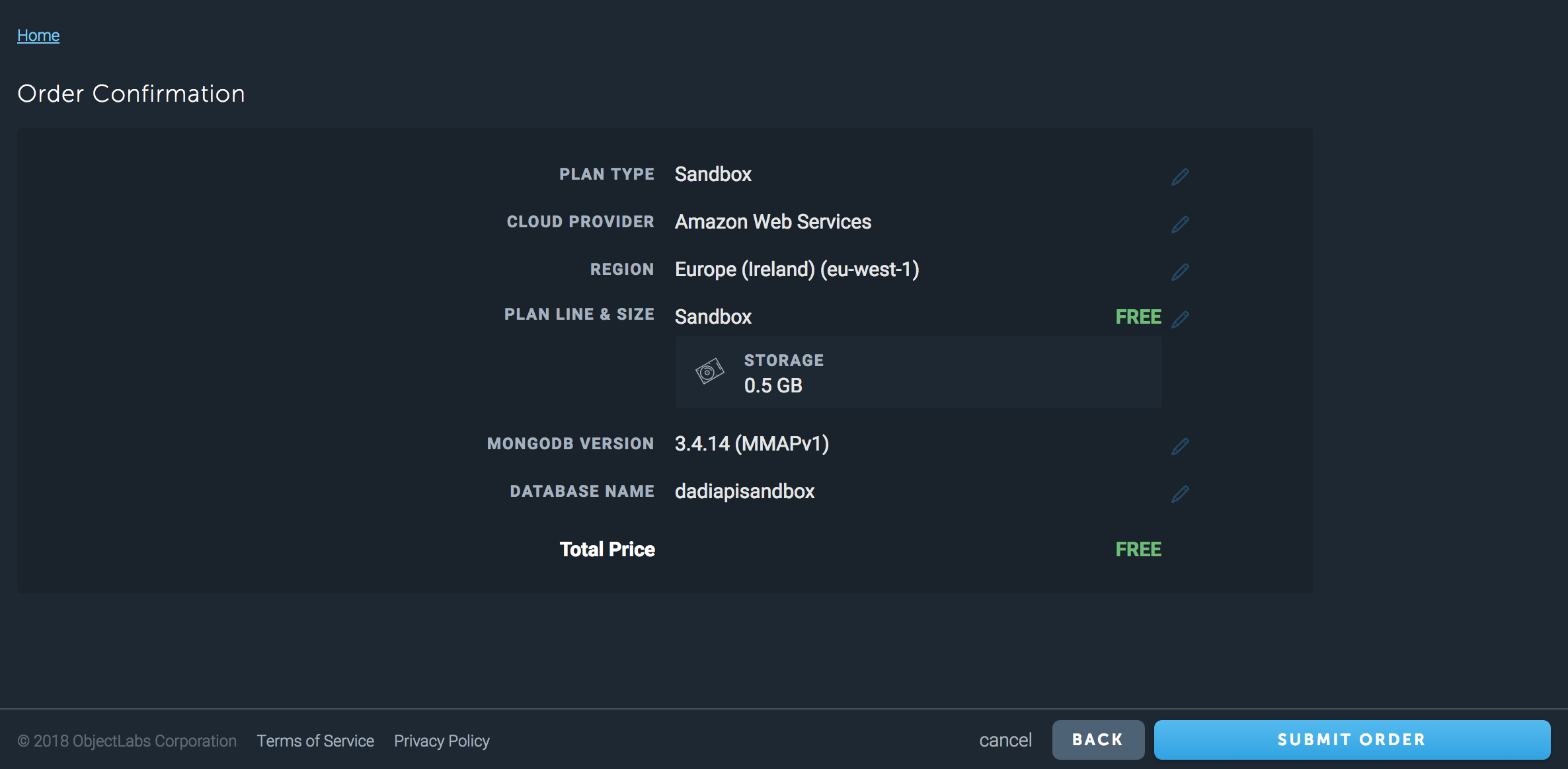
Anchor link View MongoDB details
When the database is ready, click on its name to see the details required for connecting to it.
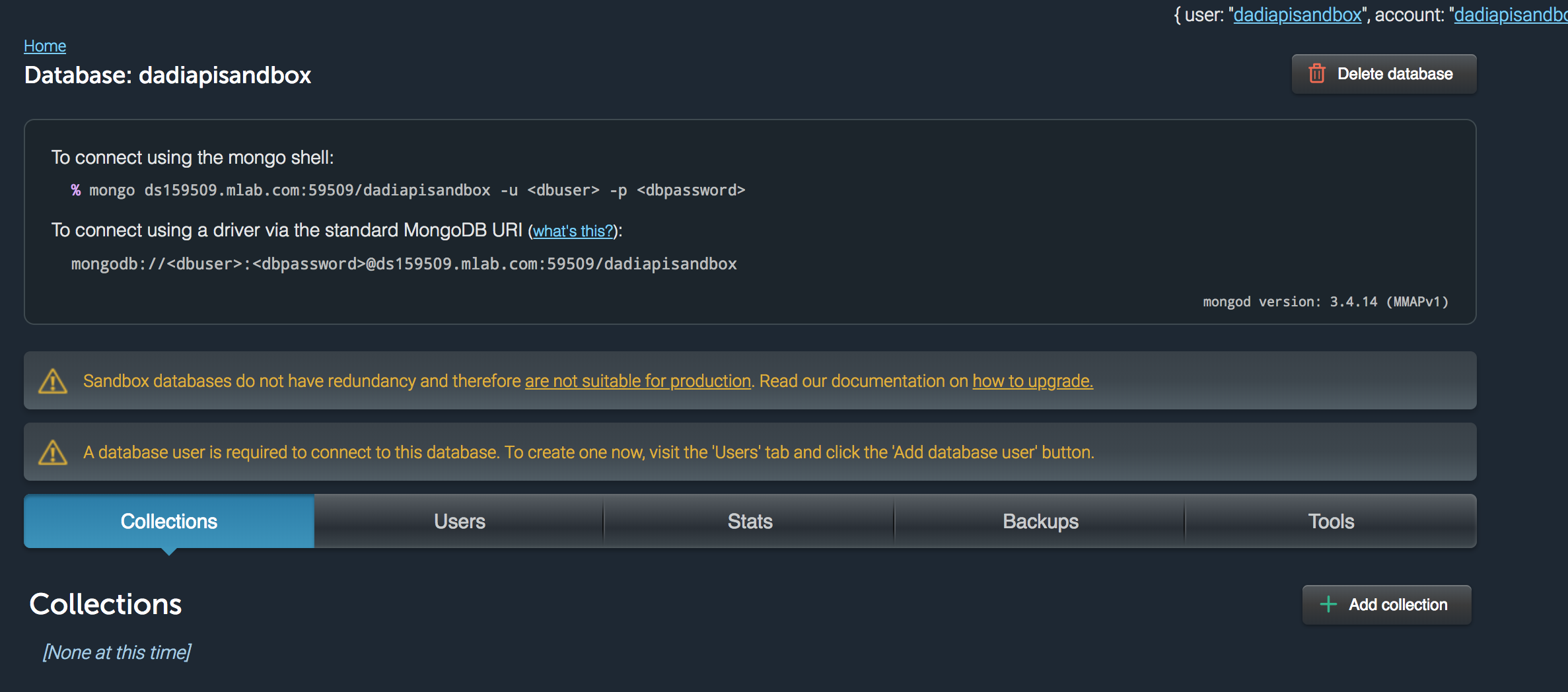
Anchor link Creating a MongoLab database user
MongoLab requires you to create a database user in order to connect:
A database user is required to connect to this database. To create one now, visit the 'Users' tab and click the 'Add database user' button.
Complete the fields in the New User popup and keep a note of the username and password for the next step.

Anchor link Connecting from API
To connect to a MongoDB database you require two configuration files: the first is the main API configuration file (config.development.json) and the second is the configuration file for the MongoDB data connector (mongodb.development.json).
config.development.json
The key settings in the main API configuration file are datastore, auth.datastore and auth.database. When using the MongoDB data connector, datastore must be set to "@dadi/api-mongodb". If using MongoDB for API's authentication data, auth.datastore must also be set to "@dadi/api-mongodb". The auth section also specifies the database to use for authentication data; in the example below it is set to the name of the database we created when setting up the MongoLab database.
{
"app": {
"name": "MongoLab Test"
},
"server": {
"host": "127.0.0.1",
"port": 3000
},
"publicUrl": {
"host": "localhost",
"port": 3000
},
"datastore": "@dadi/api-mongodb",
"auth": {
"tokenUrl": "/token",
"tokenTtl": 18000,
"clientCollection": "clientStore",
"tokenCollection": "tokenStore",
"datastore": "@dadi/api-mongodb",
"database": "dadiapisandbox"
},
"paths": {
"collections": "workspace/collections",
"endpoints": "workspace/endpoints",
"hooks": "workspace/hooks"
}
}
mongodb.development.json
In addition to the main configuration file, API requires a configuration file specific to the data connector. The configuration file for the MongoDB connector must be located in the config directory along with the main configuration file. mongodb.development.json contains settings for connecting to a MongoDB database.
The database detail page on MongoLab shows a couple of ways to connect to your MongoLab database. We'll take some parameters from the "mongo shell" option and use them in our configuration file:
To connect using the mongo shell: mongo ds159509.mlab.com:59509/dadiapisandbox -u
-p
{
"hosts": [
{
"host": "ds159509.mlab.com",
"port": 59509
}
],
"username": "dadiapi", // username for database user created in MongoLab
"password": "ipaidad", // password for database user created in MongoLab
"database": "dadiapisandbox",
"ssl": false,
"replicaSet": "",
"databases": {
"dadiapisandbox": {
"authDatabase": "dadiapisandbox", // the name of the database to use for authenticating, required when specifying a username and password
"hosts": [
{
"host": "ds159509.mlab.com",
"port": 59509
}
]
}
}
}
Anchor link Booting API
When you start your API application it will attempt to connect to the MongoLab database using the specified settings.
$ npm start
After API finishes booting, you can click on the "Collections" tab in the MongoLab website and see the collections that API has created from your workspace collection schemas.
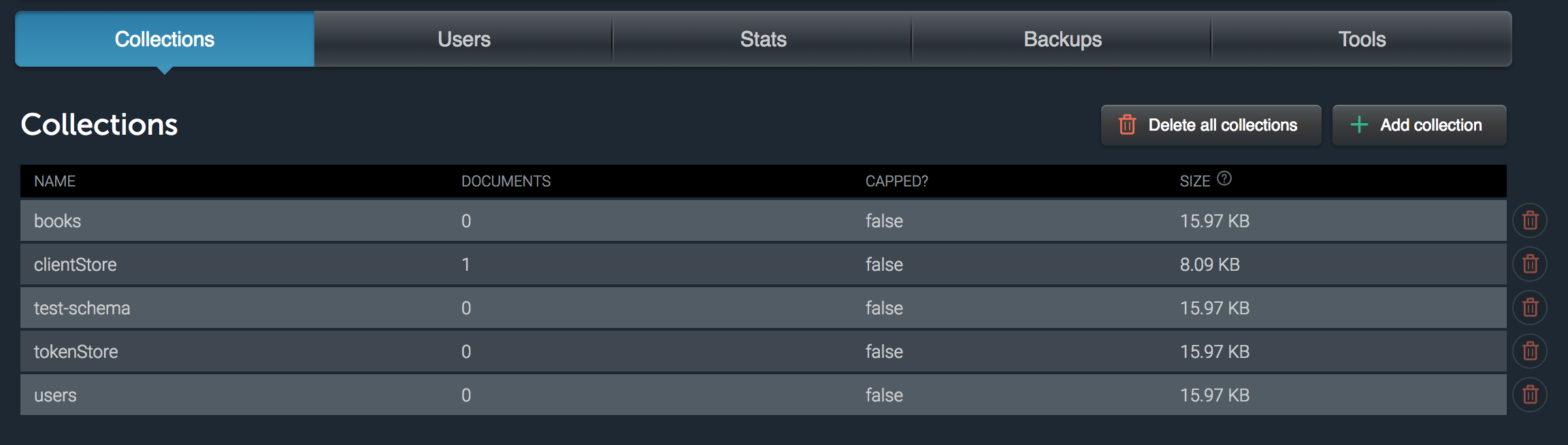
Anchor link Creating an API user
Before interacting with any of the API collections, it's useful to create a client record so you can obtain an access token. See the Adding clients section for more details. After creating a client record you should be able to query the clientStore collection on the MongoLab website to see the new document.
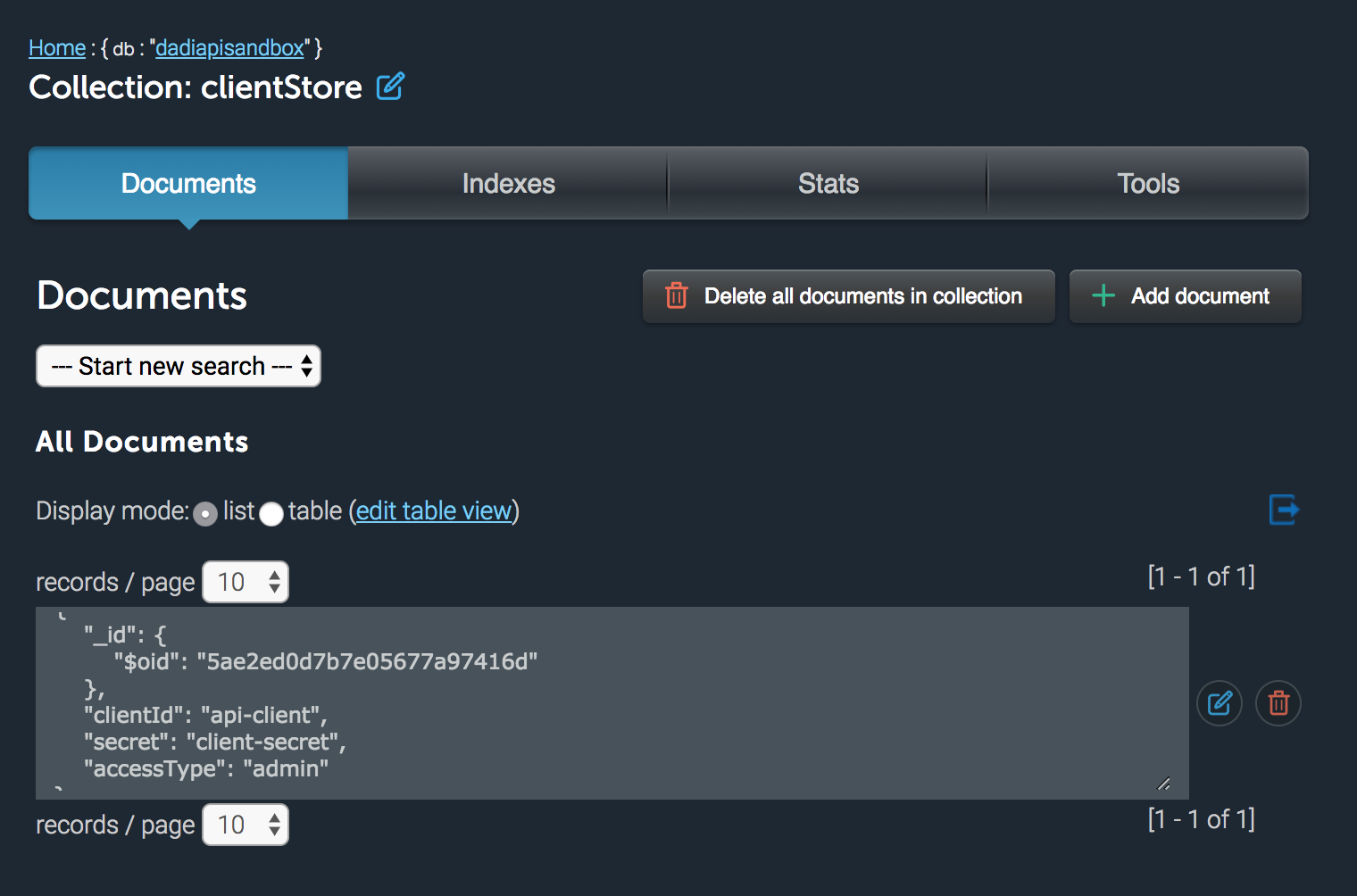
Anchor link What's next?
With API connected and a client record added to the database, you can begin using the REST API to store and retrieve data. See the sections Obtaining an Access Token and Retrieving data for more detail.
The image below shows a "book" document added to the MongoLab database using the following requests:
$ curl -X POST -H "Content-type: application/json" --data '{"clientId":"api-client", "secret": "client-secret"}' "http://127.0.0.1:3000/token"
$ curl -X POST -H "Content-type: application/json" -H "Authorization: Bearer 1e6624a9-324a-4d24-86c3-e4abd0921d9c" --data '{"name":"Test Book", "authorId": "123456781234567812345678"}' "http://127.0.0.1:3000/vjoin/testdb/books"
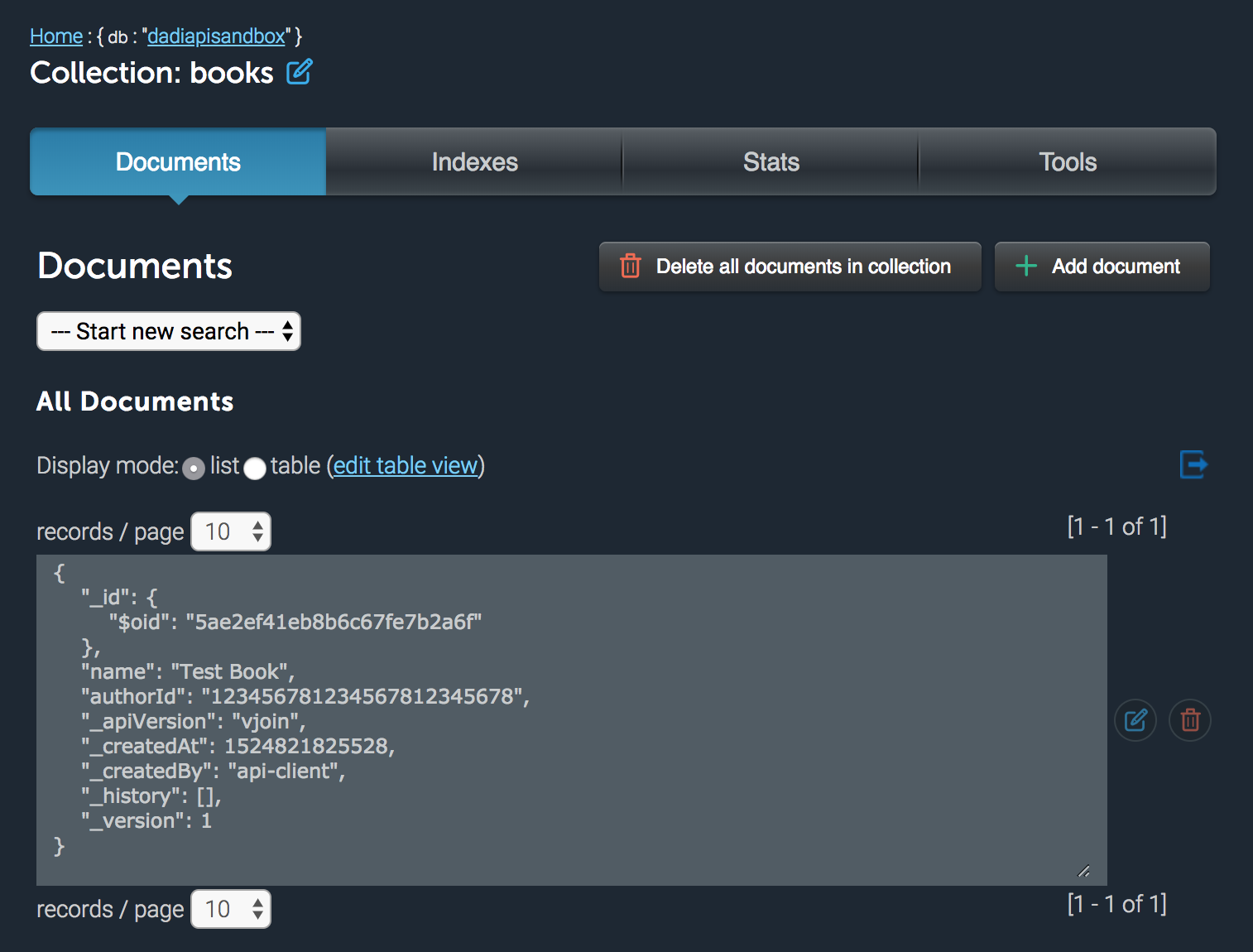
Anchor link CouchDB Connector
The CouchDB connector allows you to use CouchDB as the backend for API.
Help improve the package at https://github.com/dadi/api-couchdb.
Anchor link Installing
$ npm install --save @dadi/api-couchdb
Anchor link FileStore Connector
The FileStore connector allows you to use JSON files as the backend for API, via LokiJS.
Help improve the package at https://github.com/dadi/api-filestore.
Anchor link Installing
$ npm install --save @dadi/api-filestore
Anchor link Building a connector
Sample repository at https://github.com/dadi/api-connector-template.
Anchor link How-to guides
Anchor link Migrating from version 3 to 4
Anchor link Access control list
The main change from version 3 to 4 is the introduction of the access control list. It's technically a breaking change, since any clients without {"accessType": "admin"} will lose access to everything by default. They need to be assigned permissions for the individual resources they should be able to access, either directly or via roles.
If you don't want to use the new advanced permissions and instead keep your clients with unrestricted access to API resources, make sure to set {"accessType": "admin"} in their database records. API doesn't currently offer a way to change this property via the endpoints, so you'll need to manually make this change in the database.
Anchor link Removal of write mode on configuraion endpoints
Version 4 removes the ability for clients to create, modify and delete collections, custom endpoints or update the main API configuration. The read endpoints were kept – e.g. GET /api/config is valid, but POST /api/config is not.
Anchor link Other breaking changes
- Requesting a document by ID (e.g.
/version/database/collection/doc123456) now returns a 404 if the given ID does not correspond to a valid document, instead of returning a 200 with an empty result set. This behaviour is consistent with theDELETEandPUTverbs.
Anchor link Migrating from version 4 to 5
Client records in version 5 have a different internal representation. To update an existing installation, you must migrate any existing clients (after upgrading the API dependency) by running the following command on the API directory:
$ npx dadi-cli api clients:upgrade
Anchor link Connecting to API with API wrapper
When consuming data from DADI API programmatically from a JavaScript application, you can use DADI API wrapper as a high-level API to build your requests, allowing you to abstract most of the formalities around building an HTTP request and setting the right headers for the content type and authentication.
In the example below, we can see how you could connect to an instance of DADI API and retrieve all the documents that match a certain query, which you can define using a set of filters that use a natural, conversational syntax.
const DadiAPI = require('@dadi/api-wrapper')
let api = new DadiAPI({
uri: 'https://api.somedomain.tech',
port: 80,
credentials: {
clientId: 'johndoe',
secret: 'f00b4r'
},
version: '1.0',
database: 'my-db'
})
// Example: getting all documents where `name` contains "john" and age is greater than 18
api.in('users')
.whereFieldContains('name', 'john')
.whereFieldIsGreaterThan('age', 18)
.find()
.then(({metadata, results}) => {
// Use documents here
processData(results)
})
For more information about API wrapper, including a comprehensive list of its filters and terminator functions, check the GitHub repository.
Anchor link Auto generate documentation
The @dadi/apidoc package provides a set of auto-generated documentation for your API installation, reading information from the collection schemas and custom endpoints to describe the available HTTP methods and parameters required to interact with the API.
- Generating Code Snippets
- Documenting custom endpoints
- Showing useful example values
- Excluding Collections, Endpoints and Fields
Anchor link Installation steps
- Inside your API installation directory, run the following:
$ npm install @dadi/apidoc --save
- The configuration file for API must be modified to enable the documentation middleware. Add an
apidocsection to the configuration file:
"apidoc": {
"title": "<Project Name> Content API",
"description": "This is the _Content API_ for [Example](http://www.example.com).",
"markdown": false,
"path": "docs",
"generateCodeSnippets": false,
"themeVariables": "default",
"themeTemplate": "triple",
"themeStyle": "default",
"themeCondenseNav": true,
"themeFullWidth": false
}
- Initialise the middleware from the main API entry point (such as the
main.jsorindex.jsfile:
const server = require('@dadi/api')
const config = require('@dadi/api').Config
const log = require('@dadi/api').Log
server.start(function() {
log.get().info('API Started')
})
// enable the documentation route
require('@dadi/apidoc').init(server, config)
Anchor link Browse the documentation
The documentation can be accessed using the route /api/1.0/docs, for example https://api.somedomain.tech/api/1.0/docs.
Anchor link Generating Code Snippets
If you want to generate code snippets (made possible by the configuration option
generateCodeSnippets) you'll need to ensure sure your system has the following:
- Ruby, and the Ruby gem
awesome_print:
$ gem install awesome_print
- The
httpsnippetpackage:
$ npm install httpsnippet -g
Anchor link Documenting custom endpoints
API collections are automatically documented using values from within the collection specification files. To have your documentation include useful information about custom endpoints, add JSDoc comments to the endpoint files:
/**
* Adds two numbers together.
*
* ```js
* let result = add(1, 2);
* ```
*
* @param {int} `num1` The first number.
* @param {int} `num2` The second number.
* @returns {int} The sum of the two numbers.
* @api public
*/
Anchor link Showing useful example values
To show example data in the documentation that isn't simply the default of "Hello World!", you can add properties to fields in the API collection specification file. The following properties can be added to fields:
example: the example property is a static value that will be the same every time you view the documentation:
"platform": {
"type": "String",
"required": true,
"example": "twitter",
"validation": {
"regex": {
"pattern": "twitter|facebook|instagram"
}
}
}
testDataFormat: the testDataFormat property allows you to specify any type from the faker package, which will insert a random value of the selected type each time the documentation is viewed:
"email": {
"type": "String",
"required": true,
"testDataFormat": "{{internet.email}}"
"validation": {
"regex": {
"pattern": ".+@.+"
}
}
}
See a list of available options here.
Anchor link Excluding collections, endpoints and fields
Often an API contains collections and collection fields that are meant for internal use and including them in the API documentation is undesirable.
To exclude collections and fields from your generated documentation, see the following sections.
Anchor link Excluding collections
Add a private property to the collection specification's settings section:
{
"fields": {
"title": {
"type": "String",
"required": true
},
"author": {
"type": "Reference",
"settings": {
"collection": "people"
}
}
},
"settings": {
"cache": true,
"count": 40,
"sort": "title",
"sortOrder": 1,
"private": true
}
}
Anchor link Excluding endpoints
Add a private property to the endpoint file's model.settings section:
module.exports.get = function (req, res, next) {
res.setHeader('content-type', 'application/json')
res.statusCode = 200
res.end(JSON.stringify({message: 'Hello World'}))
}
module.exports.model = {
"settings": {
"cache": true,
"authenticate": false,
"private": true
}
}
Anchor link Excluding fields
Add a private property to the field specification:
{
"fields": {
"title": {
"type": "String",
"required": true
},
"internalId": {
"type": "Number",
"required": true,
"private": true
}
},
"settings": {
"cache": true,
"count": 40,
"sort": "title",
"sortOrder": 1
}
}
Anchor link Errors
Anchor link API-0001
Anchor link Missing Index Key
You received an error similar to this:
{
"code": "API-0001",
"title": "Missing Index Key",
"details": "'name' is specified as the primary sort field, but is missing from the index key collection."
}
[TODO]
Anchor link API-0002
Anchor link Hook Error
You received an error similar to this:
{
"success": false,
"errors": [
{
"code": "API-0002",
"title": "Hook Error",
"details": "The hook 'myHook' failed: 'ReferenceError: title is not defined'"
}
]
}
[TODO]
Anchor link API-0003
Anchor link Cache Path Missing
To flush the cache, a path that matches a collection resource must be specified in the request body:
POST /api/flush HTTP/1.1
Host: api.example.com
Authorization: Bearer 4172bbf1-0890-41c7-b0db-477095a288b6
Content-Type: application/json
{ "path": "/1.0/library/books" }
This command will flush all cache files that match the collection path specified.
A successful cache flush returns a HTTP 200 response:
{
"result": "success",
"message": "Cache flush successful"
}
Anchor link Flush all files
To flush all cache files, send { path: "*" }
Anchor link Migrating from version 2.x to 3.x
API 3.0 comes with various performance and flexibility enhancements, some of which introduce breaking changes. This document is an overview of the changes that are required to make your application ready for the upgrade.
Anchor link Configuring a database and data connector
Whilst API 2.0 requires a MongoDB database to run, version 3.0 is capable of working with virtually any database engine, as long as there is a data connector module for it.
When migrating from 2.0, we need to explicitly specify MongoDB as our database engine by adding @dadi/api-mongodb as a project dependency:
$ npm install @dadi/api-mongodb --save
API requires each data connector to have its own configuration file located in the same directory as API's main configuration files. Just like API, you'll need one for each environment you run the application in.
For example, if you currently have a config.development.json and config.production.json configuration files, you'll need to place mongodb.development.json and mongodb.production.json in the same directory.
api-app/
config/ # contains environment-specific configuration files
config.development.json
config.production.json
mongodb.development.json
mongodb.production.json
package.json
workspace/
collections/
endpoints/
Anchor link Automatic migration script
We've added a migration script which can backup your existing API 2.0 configuration files and generate new API 3.0-compatible files automatically.
To use it, run the following command from your existing API directory:
$ curl https://raw.githubusercontent.com/dadi/registry/master/api/migration-scripts/v2-v3.js | node
Anchor link Manual configuration
If you're configuring this manually, follow these steps:
Remove the contents of the
databaseproperty from each of your API configuration files, and paste it into the corresponding MongoDB configuration file, so that it looks similar to the following:{ "hosts": [ { "host": "123.456.78.9", "port": 27017 } ], "username": "", "password": "", "testdb": { "hosts": [ { "host": "111.222.33.4", "port": 27017 } ] } }Each block of database overrides should now be namespaced under a
databasesblock. Using the above as our example, it should now be similar to the following. Notice how we've moved the"testdb"database configuration inside the new"databases"block:
```json
{
"hosts": [
{
"host": "123.456.78.9",
"port": 27017
}
],
"username": "",
"password": "",
"databases": {
"testdb": {
"hosts": [
{
"host": "111.222.33.4",
"port": 27017
}
]
}
}
}
```
- In the API configuration files, add a new property
"datastore"where the"database"property was. It should have the value"@dadi/api-mongodb":
```json
{
"server": {
"host": "127.0.0.1",
"port": 8000
},
"datastore": "@dadi/api-mongodb",
"caching": {
}
}
```
Your API configuration files should have an
"auth"containing a"database"block. Change this to simply the name of the database you want to use for authentication, and add a"datastore"property with the value"@dadi/api-mongodb".Before (
config.development.json){ "auth": { "tokenUrl": "/token", "tokenTtl": 1800, "clientCollection": "clientStore", "tokenCollection": "tokenStore", "database": { "hosts": [ { "host": "127.0.0.1", "port": 27017 } ], "username": "", "password": "", "database": "dadiapiauth" } } }After (
config.development.json){ "auth": { "tokenUrl": "/token", "tokenTtl": 1800, "clientCollection": "clientStore", "tokenCollection": "tokenStore", "datastore": "@dadi/api-mongodb", "database": "dadiapiauth" }, }If your chosen authentication database (e.g.
"dadiapiauth") has different hosts to the default you must ensure an entry exists for it in the"databases"block inmongodb.development.json:mongodb.development.json{ "databases": { "dadiapiauth": { "hosts": [ { "host": "222.333.44.5", "port": 27017 } ] } } }
Anchor link What's next?
While the above configuration changes should be enough to get the application started, there are several more changes you should know about. They can be found in detail in the release notes for API Vesion 3.0.